
Designcenter NX CAD Update Training
New NX version.
Get more from
your knowledge.
New features, valuable tips and tricks, and well-designed workflows: Use your NX version upgrade to work more safely and productively in your everyday design work.
Learn more about the NX CAD Update Bundle ↓
With Simon · Your trainer for practical application
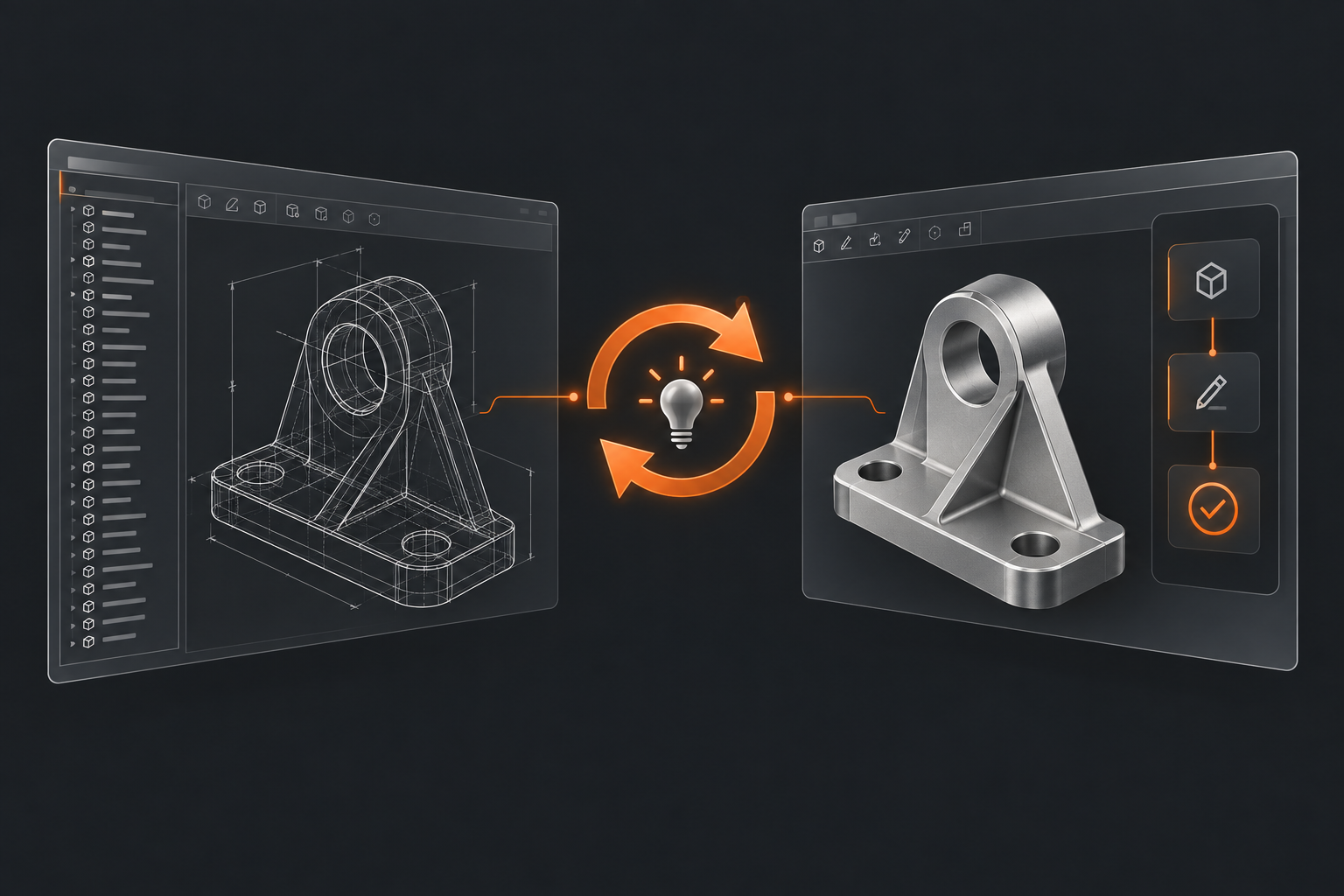
What a Bizlearn Update training consists of
Turn new features
into practical benefits.
A version change creates space for new ideas. Simon combines relevant NX innovations with tips, tricks, and design methods – even where an inconspicuous function can surprisingly make a big difference in everyday work.
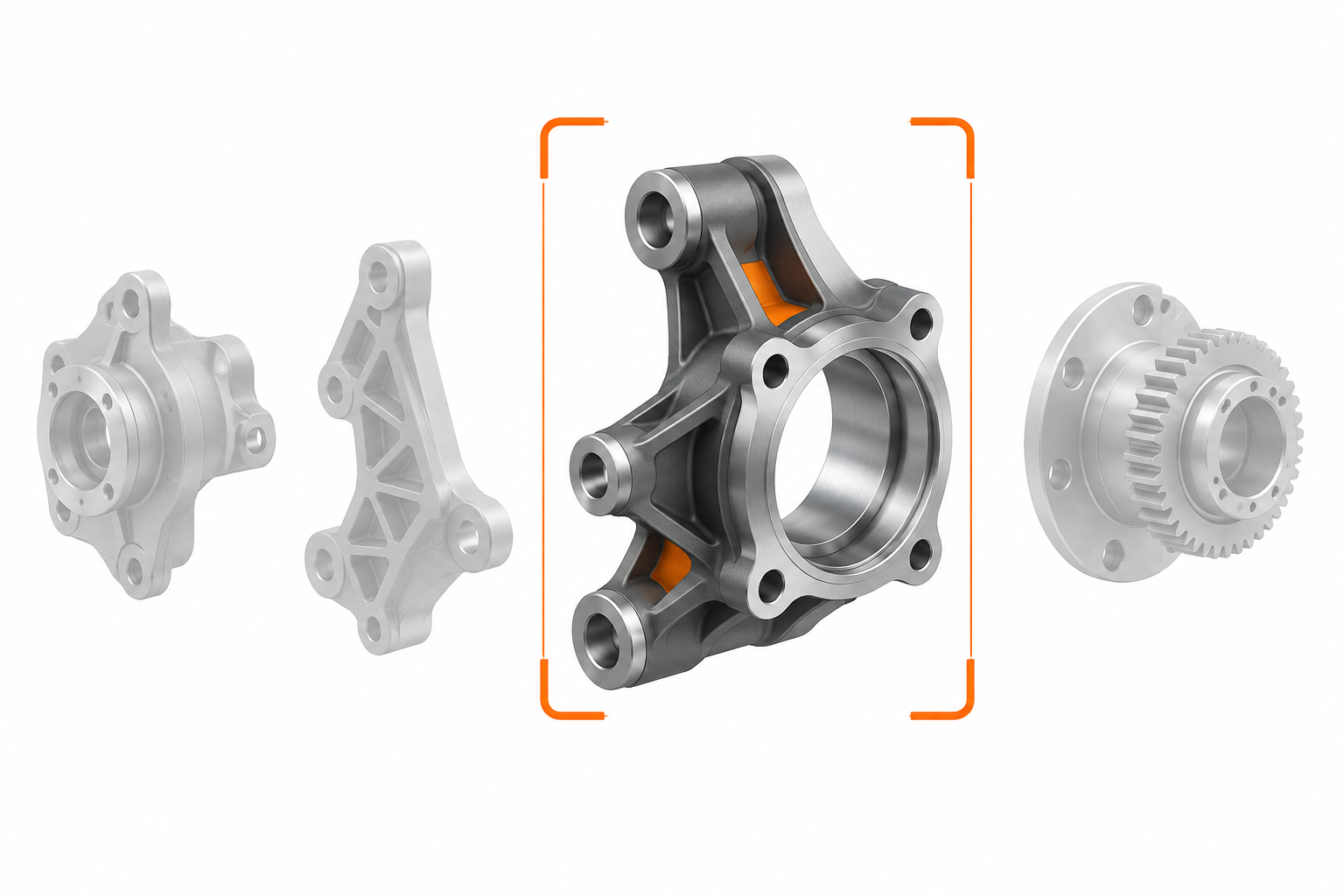
Focused on the essentials
The selection process begins with your version change and your tasks. We will only briefly address self-explanatory changes or omit them entirely. Learning time is dedicated to topics that will truly advance your skills.

Discover more possibilities
Even a small innovation can open up new avenues for solutions. Simon demonstrates practical tricks and unconventional applications that are hardly apparent from the functional description alone.
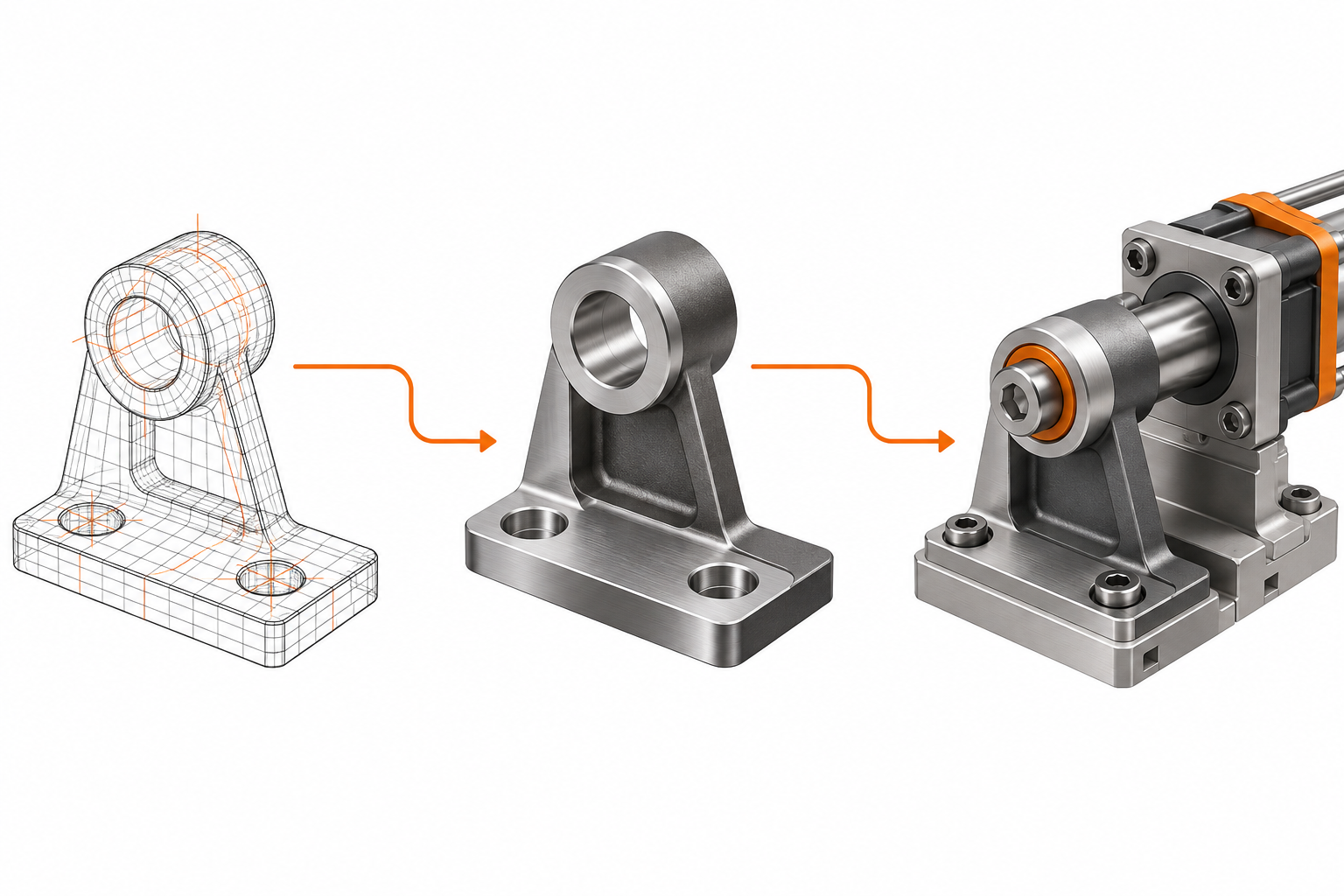
Apply in context
You will learn through concrete tasks how functions interact and how processes can be simplified. This combines new NX knowledge with a well-thought-out design methodology.
A good time to apply your practical knowledge.
During the customized update event, information and insights from your company can also be incorporated into the training, subject to prior agreement. This allows us to leverage the attention given during the version change to simultaneously impart important workflows and relevant knowledge to the team.
The NX CAD Update Bundle
Learn about new things.
Deepen your understanding of methods.
For users with NX experience: The update training combines the changes in your NX versions with practical tips, tricks and workflows for safe model building.
CAD Secrets and the New Sketch Solver training are included. This allows you to deepen your knowledge of proven methods and refresh skills that become important when switching versions.
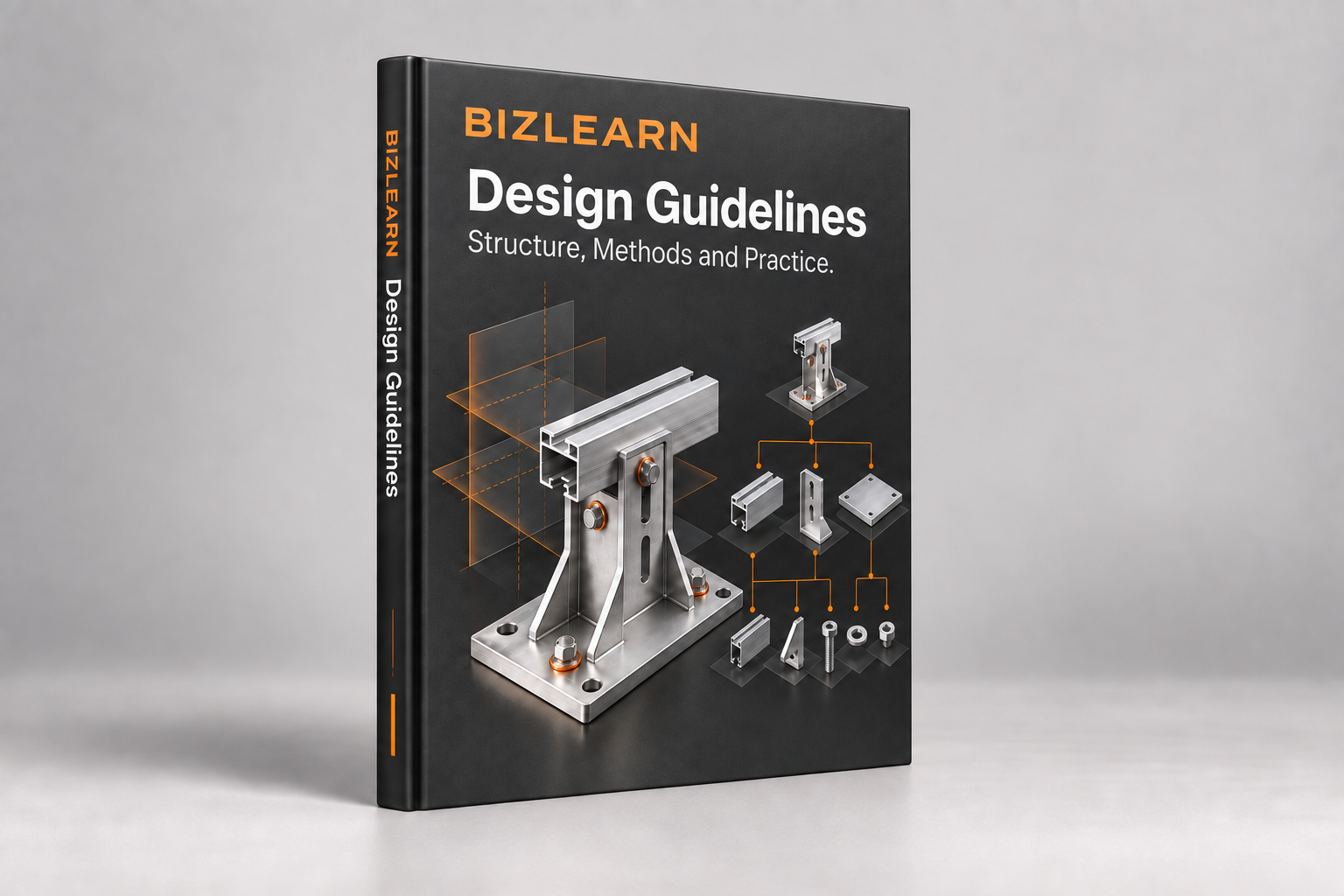
Use the upcoming training schedule to also update your design guidelines. The included Bizlearn NX Design Guideline can serve as the foundation or complement your existing design guidelines, and can be introduced directly to your team.
Your bundle advantage: The included training courses are cheaper together than if booked individually.
Included in the bundle
- 12 months access to the Bizlearn Online Campus
- 12 months of personal support from Simon
- NX Update Training for your starting and target versions
- Siemens NX New Sketch Solver Training
- Siemens NX CAD Secrets Training
- Siemens NX Design Guideline as a reference guide
Access and personal support are granted upon enrollment in the respective course. The NX CAD Update Training is available in German, English, French, Italian, and Chinese. Additional language versions can be arranged for each client project.
A shared virtual classroom
A training session.
Suitable for your task.
Even large teams learn together. In one NX update training programme, for example, around two thousand five hundred CAD users share a virtual classroom in different languages. Your entire team learns within the same programme. Simon and your team leaders agree on the roles in advance. Each participant uses the appropriate learning path and course language, and the platform displays their assigned content.
This leaves more time for relevant knowledge: without unnecessary repetitions and topics that are not needed for one's own work.
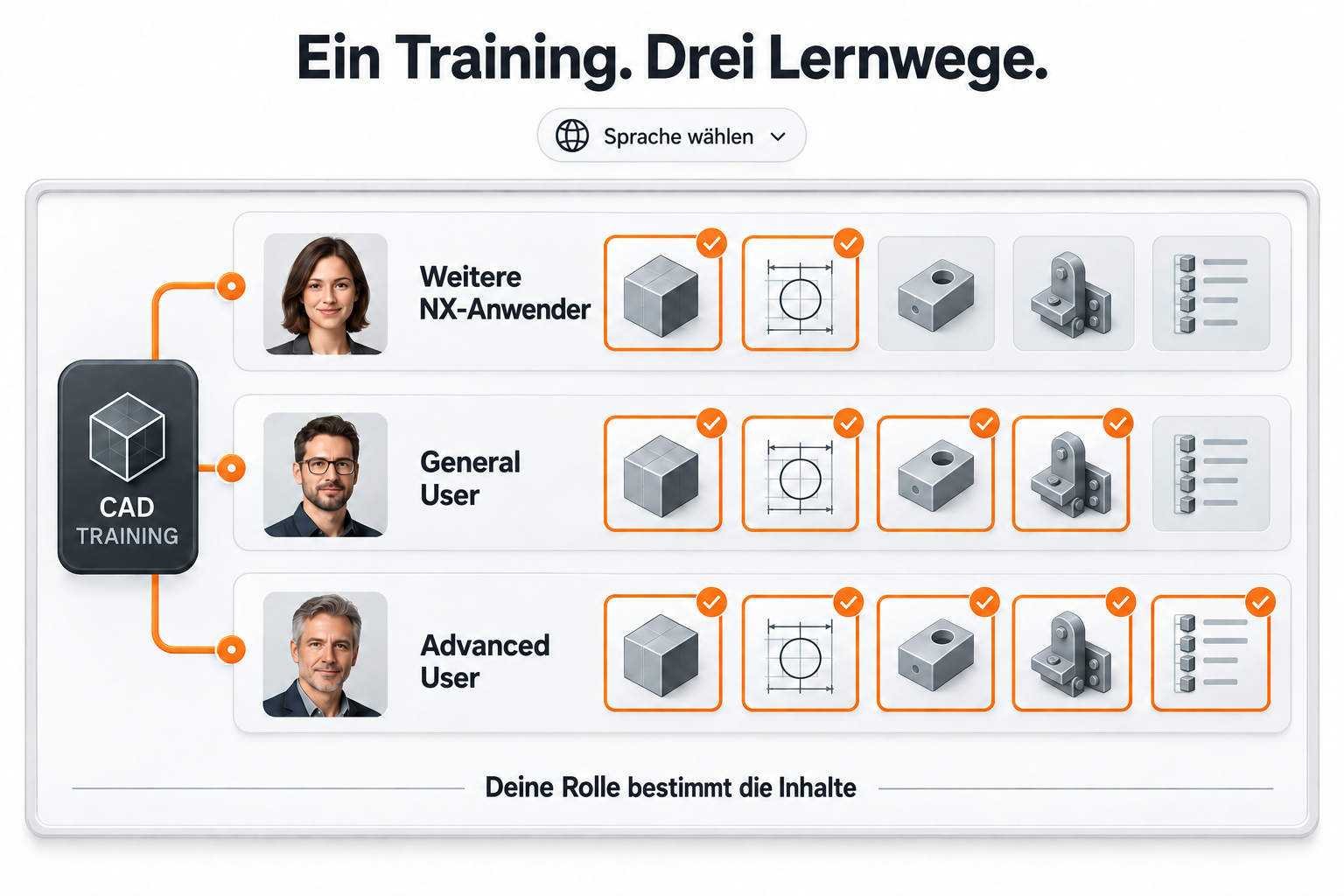
Three roles as a starting point
The task at hand is what matters.
Frequency of use alone says little about learning needs. We can adapt the topic assignment to your team together.
Occasional User
Reading and checking models, creating drawings or editing FEM simulations.
For example, technical draftsmen and occasional users who do not construct 3D models.
General User
Modeling and assemblies, supplemented by drawings, sheet metal design or PMI.
The largest user group: classic 3D designers with task-related learning needs.
Advanced User
All topics of the update training, including freeform and in-depth content.
For example, key users, administrators, and industrial designers who work extensively with NX.
Together across locations
Also in mainland China.
The Bizlearn Online Campus is also available in mainland China. The NX CAD Update Training is available in German, English, French, Italian, and Chinese. We can arrange additional language versions for customized update events.
Two ways to change your version
Personal support.
Close support throughout the project is available upon request.
From casual users to key users: Simon personally guides your participants. You determine how closely planning, evaluation, and further development are integrated with your company by choosing the right offer.
NX CAD Update Bundle
Targeted learning and application
Prepared CAD content for your version upgrade, pre-defined roles, and five course languages. CAD Secrets, New Sketch Solver, and the Design Guideline are included.
- Twelve months of campus access and personal support from enrollment
- Clarify any questions about content and application with Simon; short screen discussions if needed.
- Reminders as needed and evaluation after training
Support is provided without direct access to your system landscape. Feedback is incorporated into further development; relevant errors are corrected immediately.
Customized NX Update Event
Plan and accompany together
For a tailored training period with additional services as needed. The more specialized the tasks within the team, the more precisely we plan the learning paths together.
- More frequent evaluations during training, consultations, and active promotion of participation.
- Agreed-upon content adjustments and retakes already during the event
- Optional exclusive topics such as NX CAM, Teamcenter integration, or additional language versions.
- With a provided system environment: agreed-upon on-the-job training; also possible on your learning platform.
An event can be worthwhile even without a new video production. We will determine the scope of the collaboration together.
From need to training
Content prepared.
Compiled for your switchover.
For the NX CAD Update Bundle We will compile the relevant videos from the existing standard set. All version changes between your original and target versions will be taken into account. You will receive the topic overview in advance and can coordinate the roles with Simon.
At the customer-specific NX update event Furthermore, we plan topics, support, and, if needed, exclusive video productions together: for example, NX CAM, changes to the Teamcenter integration, or additional languages. We agree on the scope, approvals, and timeline to suit your project.
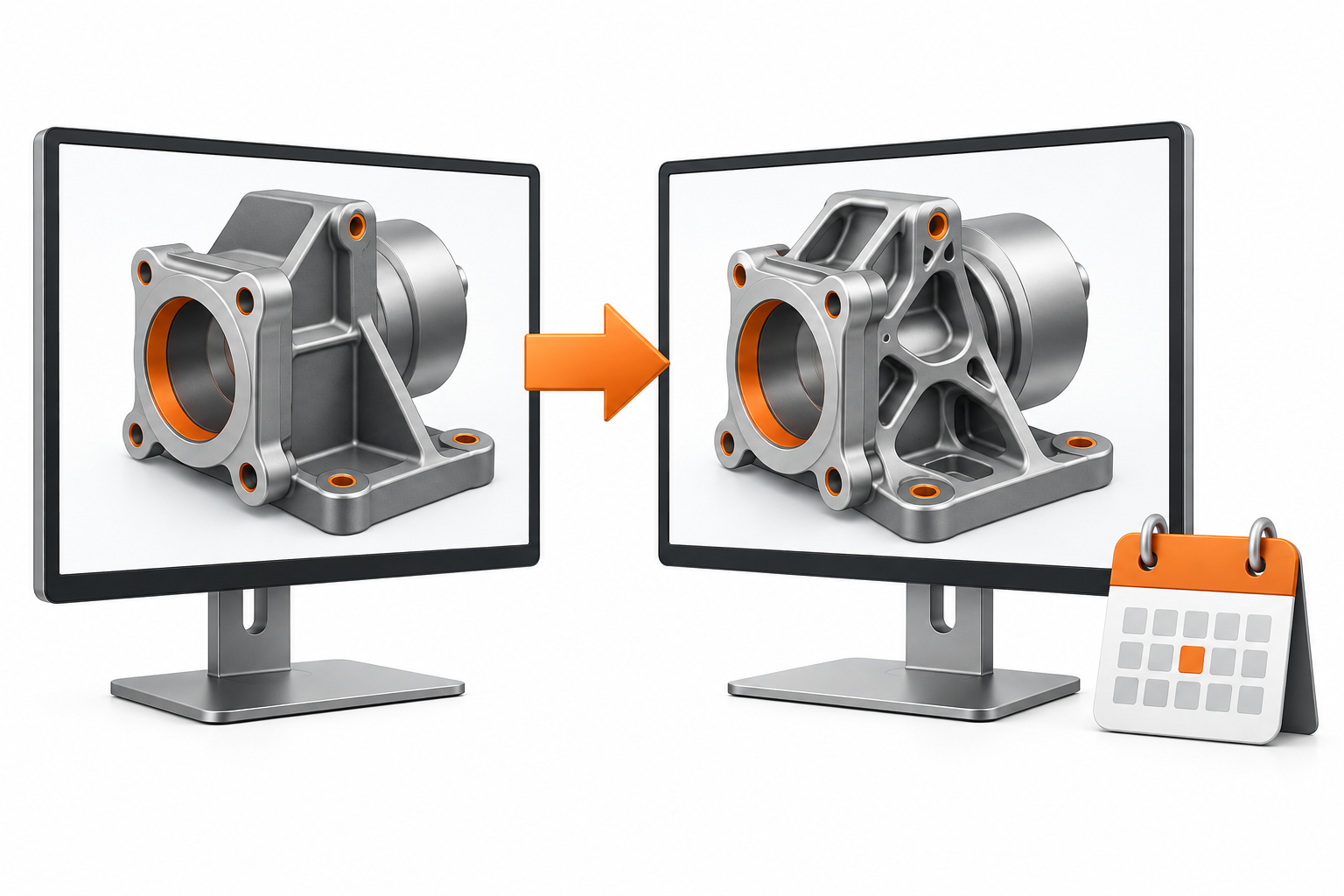
Versions & Requirements
You tell us your current and planned NX version, the participants' tasks, and your timeline. This allows us to define the appropriate framework for your version upgrade.
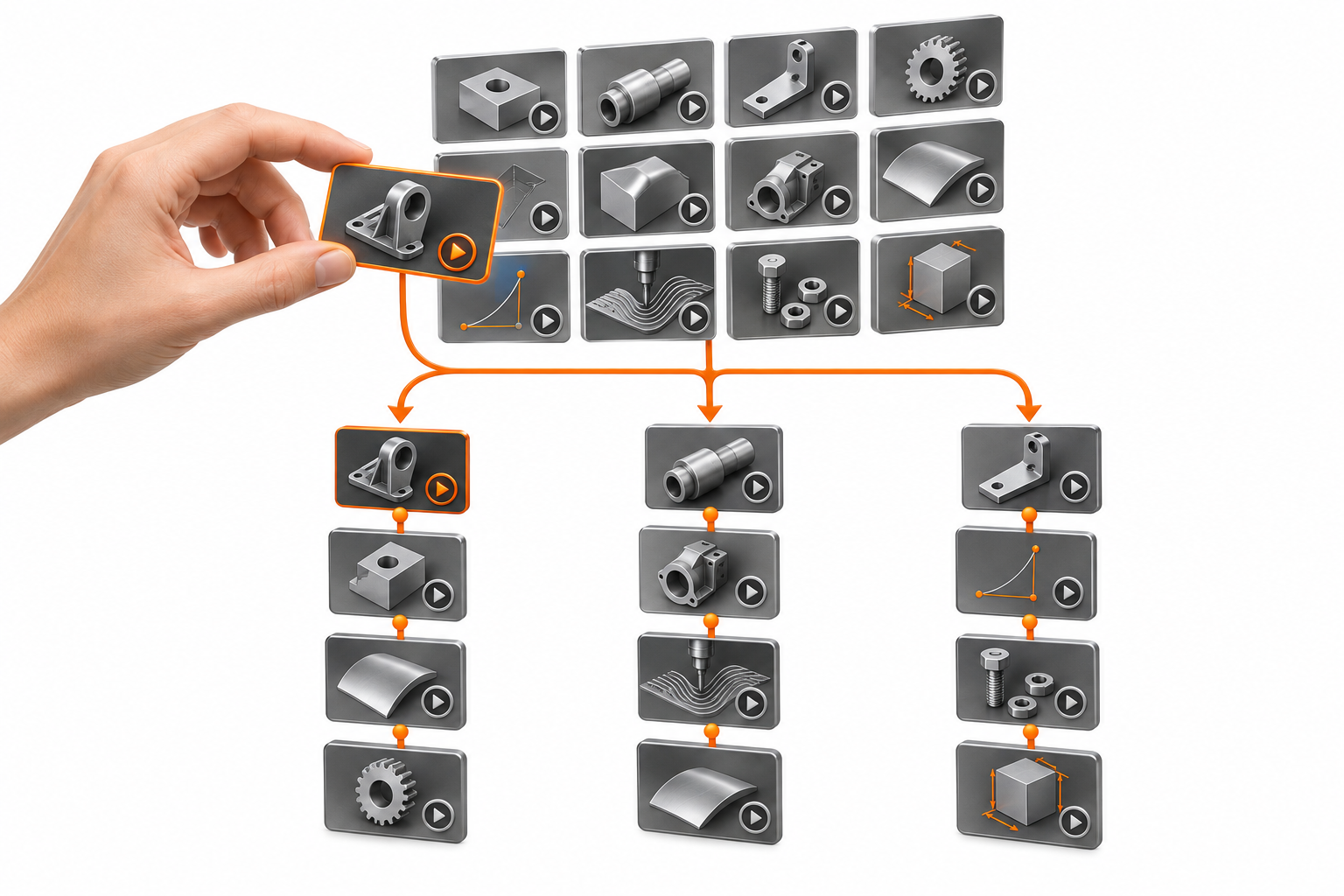
Content & Learning Paths
You can preview the topics in advance and assign them to the roles with us. Alternatively, we can make the selection and compile a suitable standard training course for your version upgrade from the prepared videos.

Learn & Apply
Participants choose their assigned role and learn at their own pace. Simon provides support with questions and application. Optionally, active event support accompanies your jointly planned training period.
Five course languages are available: German, English, French, Italian, and Chinese. We can produce additional languages for a customized update event. Our role assignment is a suggestion; you can adapt it to your users together with us.
Optional additions
When your needs
go beyond the update.

Specialist courses & video bundle
Supplement your training with targeted advanced courses or the entire video bundle. Together, we'll select the content your participants need.
NX Design Methods
Work through tasks together in this two-day live training, develop your design methods and identify gaps in your knowledge. Simon sees where you need support and addresses those topics directly.
Training model for the company
We plan updates, onboarding new colleagues, and further training together – optionally with our own learning platform. We agree on the scope and duration individually.
Included in the NX CAD update bundle
New features.
A common methodology.
The Siemens NX Design Guideline from Bizlearn combines comprehensible references, simple building blocks, and a structured model architecture. It was developed based on experience with customer projects and complements your training as a reading resource.
Formulated in a product- and industry-neutral way: as a basis for reference and for further developing your design methods.
Answered briefly
Before you change your version.
Do we need to provide training for each NX major release individually?
No. Even if you skip several major releases, your participants only attend one training module. We bundle the relevant changes between your source and target versions into a customized update training course and tailor the content to the respective participant roles.
How comprehensive is our update training?
That depends on the version upgrade and the participants' tasks. We agree on content and priorities in advance, instead of providing all users with the same complete list of topics.
Is event support included with every update?
Personal support is included in the update bundle for twelve months from course enrollment. The customer-specific NX update event expands the collaboration by agreement: more detailed evaluations and consultations during the training, active participation support, and, if required, exclusive content, language versions, and system integration.
Can different roles and languages be learned in the same training course?
Yes. Participants remain in the same virtual classroom. The selected role controls the relevant content; the training language is chosen independently. The NX CAD Update Training is available in German, English, French, Italian, and Chinese. We can produce additional languages for a client project. Participants in Mainland China can also use the Bizlearn Online Campus.
Your next version change
Which NX version?
What's coming up for you?
Tell us your current and planned version, the number of participants, and the desired timeframe. Based on this, we will develop a suitable training proposal.
Insights and topics
This is what your NX CAD update training looks like.
The module description shows the topics as well as three video examples that combine innovations with practical tips and CAD secrets.