
Designcenter NX Consulting · Construction methods
Develop methods.
Use NX in a targeted way.
New products, new requirements, or established ways of working: I develop suitable design methods with you in Designcenter NX and examine where existing procedures are helpful – and where new approaches make sense.
The goal is to create transparent models, simpler workflows, and more flexibility for changes. We tailor settings and user interfaces to your team's methods and tasks.

New tasks and proven practices
Does your approach make the most
of what NX can do?
For new products and special design tasks, we develop a suitable methodology: from sensible model setup to references and variants, right through to later modifications. We also re-evaluate existing workflows – both during CAD migrations and in long-established NX environments.
You're upgrading to NX
Proven goals. New paths.
Procedures from the existing CAD system can often be replicated. Together, we'll examine whether this makes sense in NX – or whether the same task can be solved more easily and flexibly.
For example, through a different model structure, specifically chosen dependencies, or direct geometry changes. The scale is based on your typical variants, change scenarios, and the ongoing work within the team.
You are already working with NX
To question established patterns in a targeted way.
Design methods also evolve across many NX versions. A structure can still function but still be based on earlier methods. We examine whether model structure, links, or variants can be made simpler and more easily modifiable today.
We retain what has proven successful and test alternatives on your specific tasks. Additionally, we consider customer defaults and NX user roles to ensure that settings and the user interface support the chosen methodology.
Models as a common language
Understand the structure.
Targeted further development.
A typical case from my design guidelines: An existing component needs to be adapted for a new variant. The geometry is clear, but the original designer's approach is not. A parameter change causes errors – and the planned reuse turns into time-consuming rework.
In our consulting, we therefore examine how your designers communicate with each other about their models: What is the intention behind the structure? What relationships drive changes? Can a colleague understand the design? Often, it's about shared rules and a targeted understanding of the interrelationships.
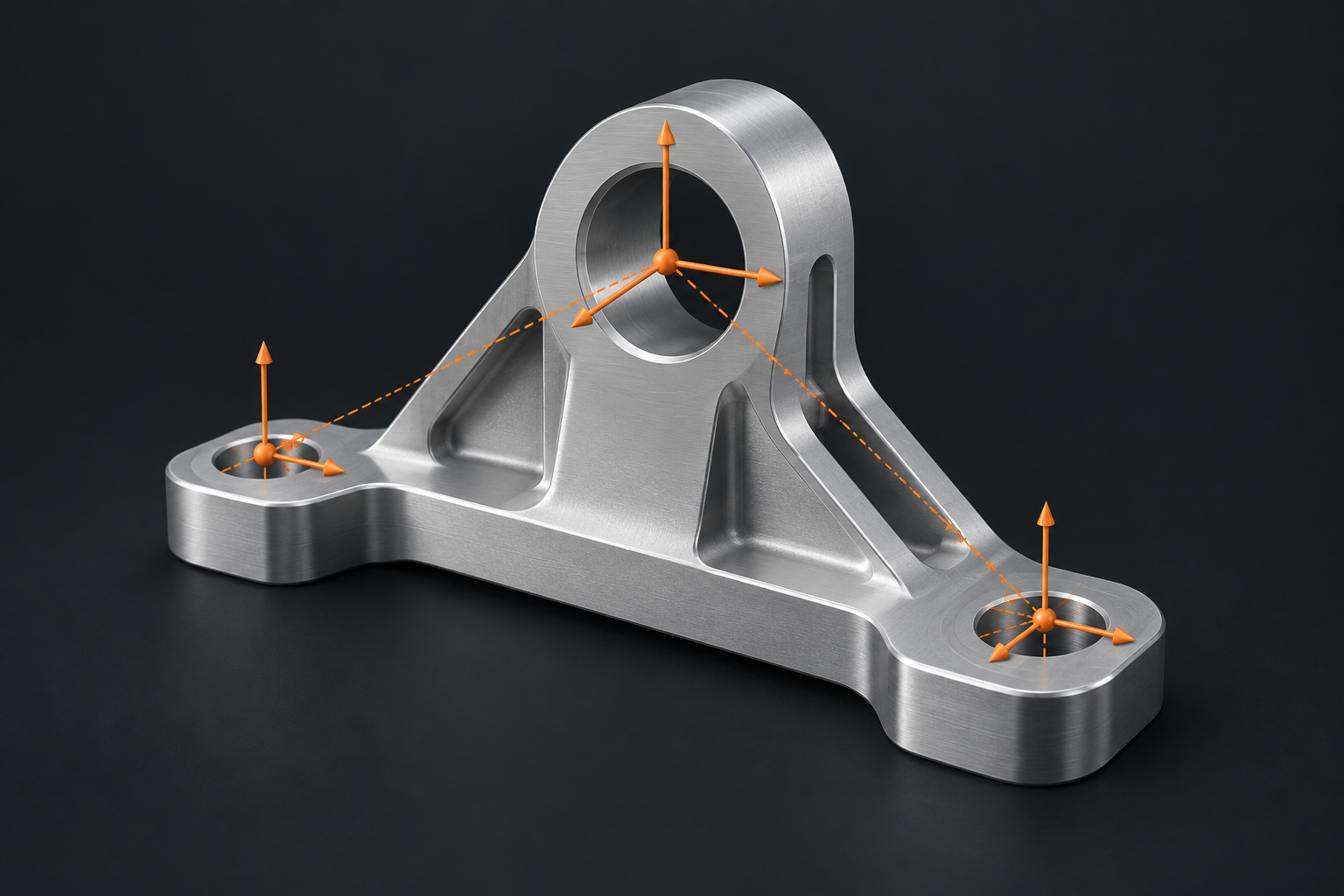
Connectivity · References
Refer to the earliest possible objects
References should be made, where possible, to the oldest suitable objects in the model's history. We prepare the position and orientation of coordinate systems from the outset in such a way that this reference is meaningfully possible.
For example: Align a single component in its later installation position and use its basic coordinate system as an early reference for further assembly.
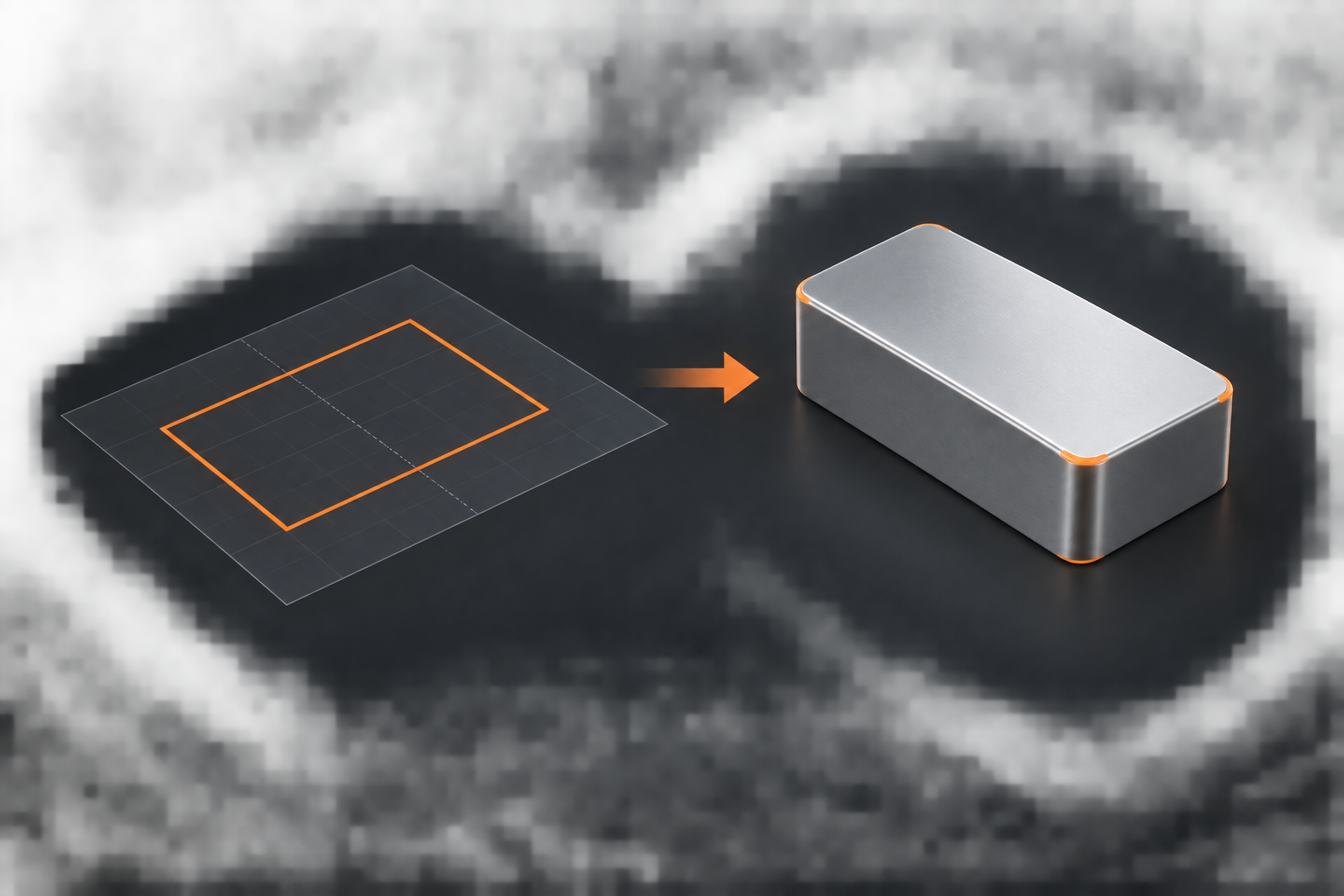
Simplicity
Little content per construction step
Keep sketches as simple as possible and divide tasks into small, clearly identifiable features. This makes design work easier and keeps individual steps understandable in the Part Navigator.
For example: Extrude the basic shape and add details as separate features. This makes individual tasks easy to identify and edit without opening a complex all-in-one definition.

Modularity · Structure
Complete related items directly.
Build a module and its possible details directly one after the other. Detailed form elements are created at the earliest sensible point – before further construction steps change their reference points.
For example: First, round off one body to fit the shape before creating the next. Related features stay together and can be reused as a group.
"Old" here refers to an object's early point in the model's history, identifiable by its timestamp – not the age of the file itself. The principles are interconnected: pre-defined references and simple steps create the foundation for a modular structure.
An example from the Bizlearn Design Guideline
Details are part of the module.
And thus, at the right time.
The blanket rule of "rounding only at the end" is too simplistic for my methodology. We add the details to a module as soon as the required geometry is available. The timing and a suitable selection rule are crucial.

Basic body
Simply generate
For example, a simple sketch is extruded. The still relatively simple object then offers specifically usable surfaces and edges.

Details
Supplement early and in a targeted manner
Create a planned rounding directly on the module. Depending on the task, we select, for example, "Body Edges" or "Face Edges", as long as this selection clearly defines the intended edges.

Further development
Merge modules
Further modules can be developed and combined in the same way. Newly created intersection edges can then be selectively rounded using "Feature Intersection Edges".
The benefit lies in the interaction.
Early in the development process, the geometry is less complex. Appropriate selection rules can more easily accommodate changes; related features remain directly connected in the history. This facilitates understanding, editing, and reuse – also with feature groups.
We will examine your specific models to determine the advantages in terms of change stability and computational effort. Our consulting services focus on evaluating the effectiveness of existing rules and practically testing suitable methods.
The methodology in the video
Use selection rules consciously.
Create details at the right time.
In this NX example, I demonstrate how selection rules and the structure of the model history are related. A practical exploration of the described procedure.
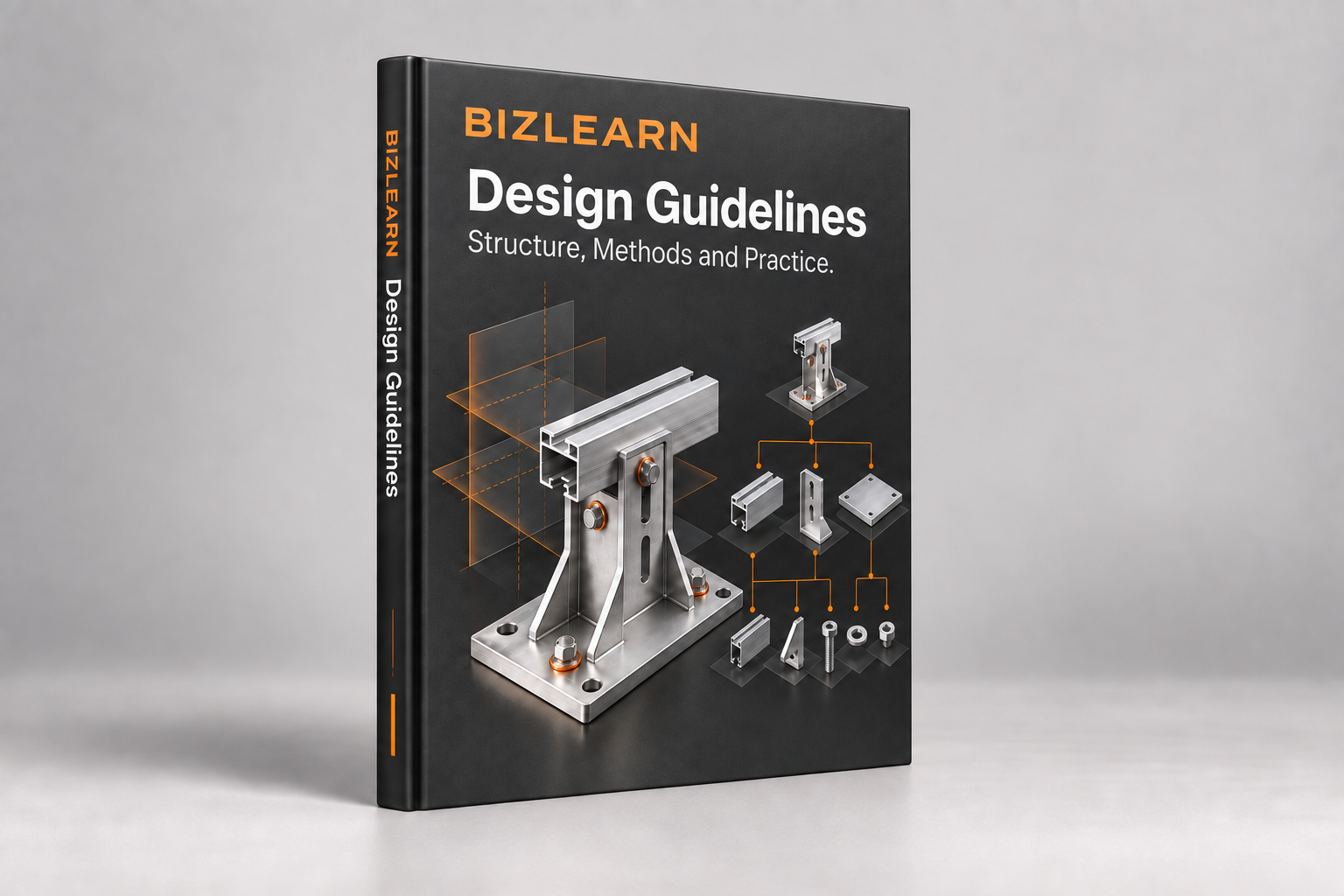
Establish common rules
A methodology.
Many design tasks.
The Bizlearn Design Guideline creates a product- and industry-independent methodological framework. It supports reuse and provides guidance even for rare or special tasks.
We compare your existing guidelines with this foundation: how are references chosen, features arranged and related parts of the model organised? Which rules still serve their purpose, and where is deliberate flexibility needed?
This allows your policy to be selectively supplemented or updated. Crucially, the common language within the model structure must be recognizable and applicable for the team.
Customer Defaults and NX User Roles
The right method needs
the right working environment.
What default settings influence your model setup? Which commands do your designers see daily – and which helpful options remain hidden?
I will review selected settings and roles in your NX user interface with your key users and administrators. Together, we will test sensible adjustments: fewer unnecessary options, more easily accessible tools, and an interface that matches the training methodology.
The video demonstrates how small adjustments can make a difference using two different settings. In our consulting sessions, we analyze your specific environment and coordinate any changes with the relevant stakeholders.
An insight into my working methods · English
Two Amazing Settings Nobody Knows
From the agreed procedure to its application
Establish methods.
By applying them together.
The analysis reveals what understanding already exists and where targeted in-depth study would be beneficial. From this, we derive appropriate learning steps: reading existing models, understanding their dependencies, and consciously implementing changes.
The guideline defines the common approach. During the training, participants test the methods themselves – using appropriate NX user roles and settings. In this way, methodology, work environment, and learning are intertwined.
If this results in a greater need for training, we will coordinate learning paths, formats, and implementation within the company. This builds upon our consulting services for training concepts.
Planned and based on your examples
From the initial situation
to the proven procedure.
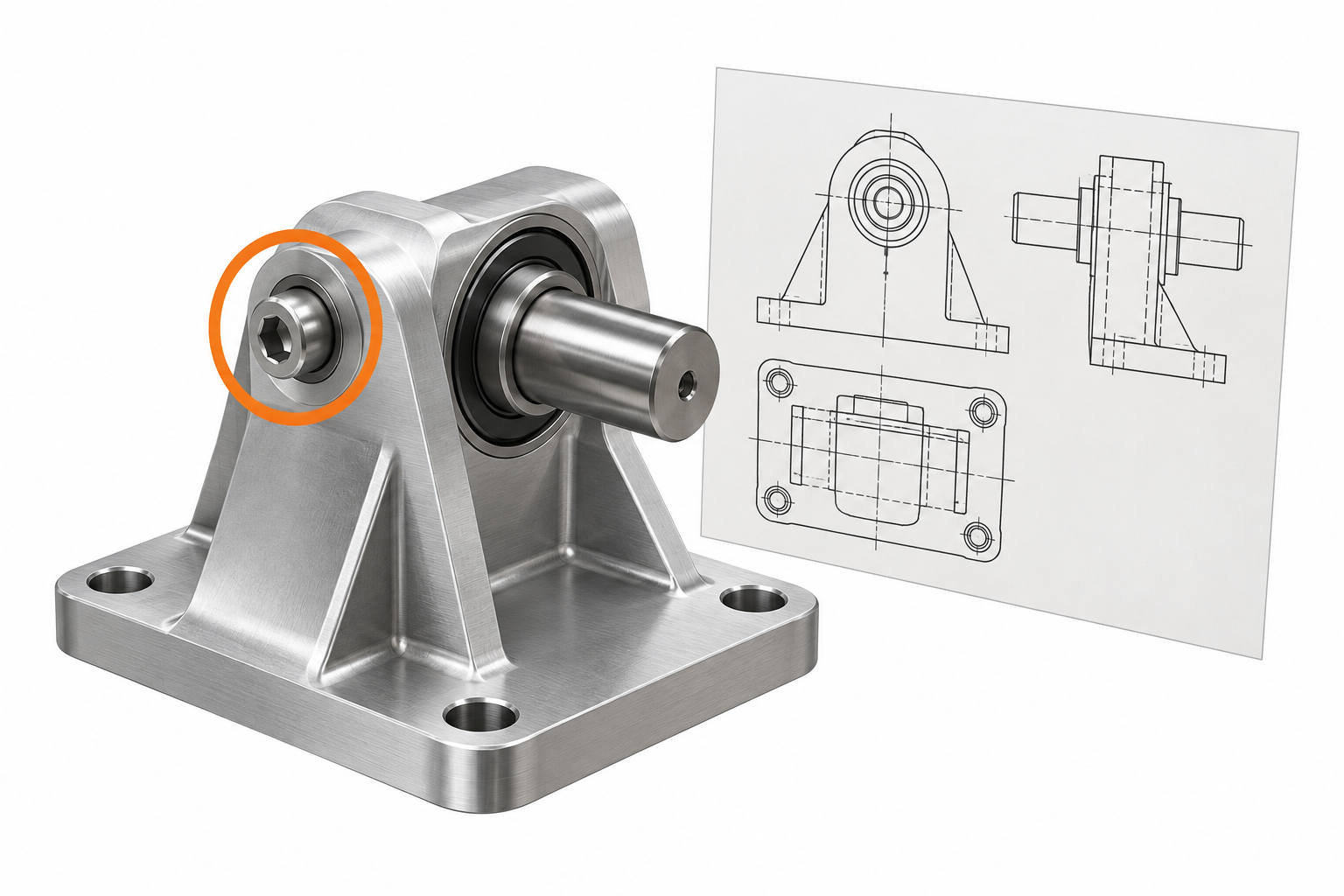
1. Review together
Understanding models and tasks
We clarify new product requirements or review existing models, change requests, and specifications. With coordinated system access, I incorporate your NX settings and workflows.
2. Test methods
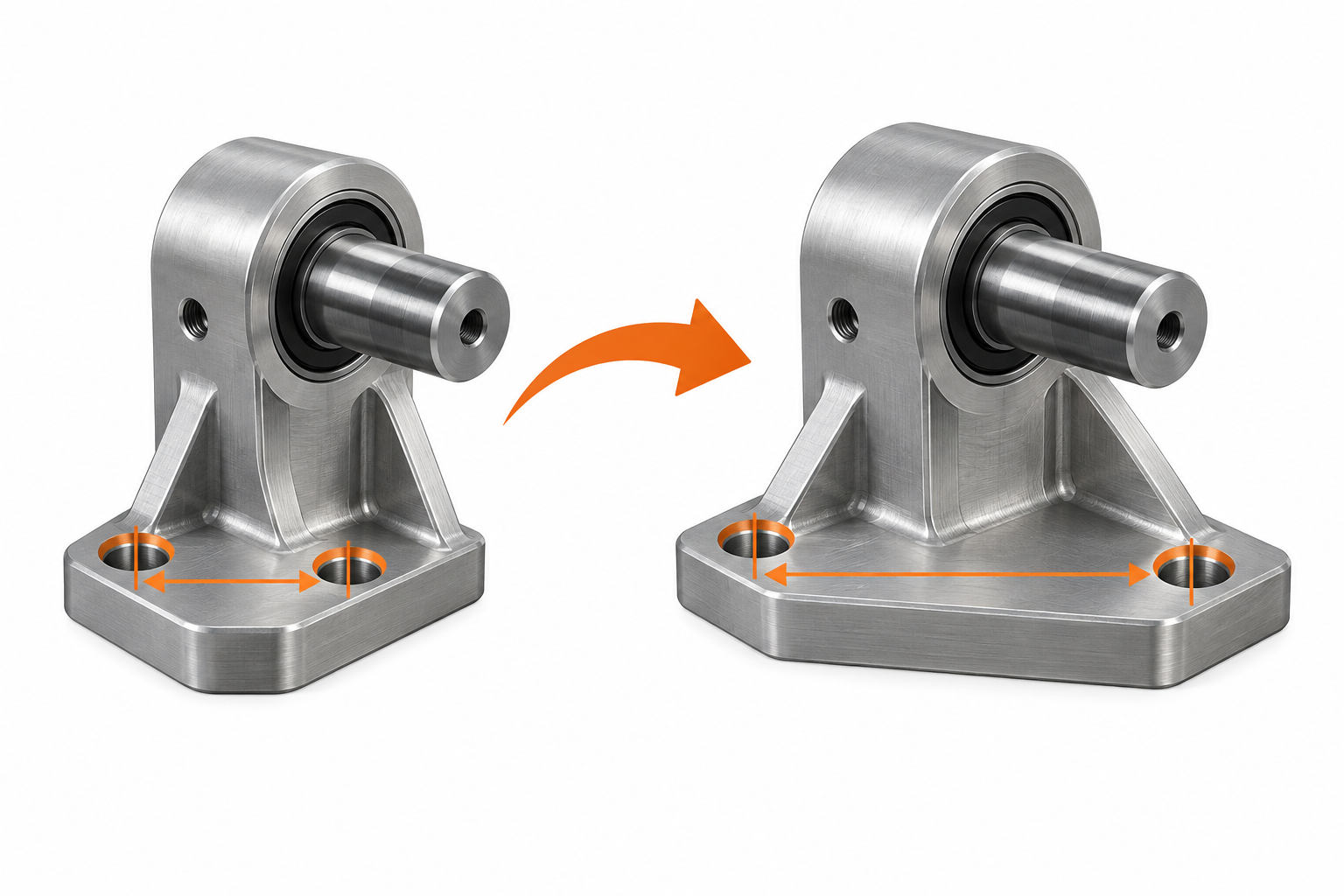
Check the change case
We develop and compare suitable approaches for new tasks, variations, and change scenarios. If an existing method is already sound, we confirm it – that too is a valuable outcome.
3. Establish within the team
Deriving rules and learning steps
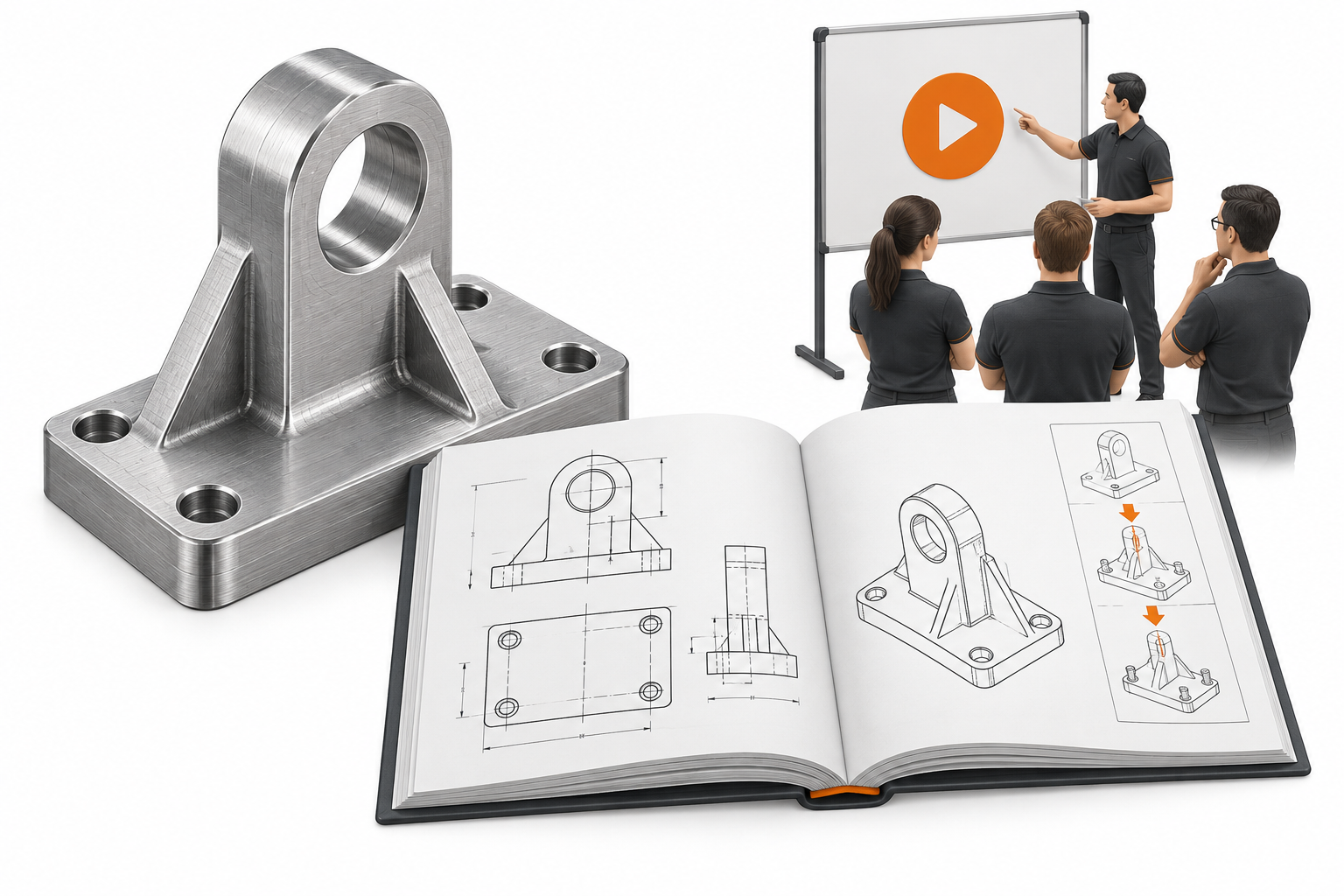
We document recommendations and priorities and coordinate rules, roles, and learning steps. Support is available on an ad-hoc basis or through a package of regular appointments.