
Designcenter NX Advanced training
Your next topic.
Get more out of NX.
You are already working with Designcenter NX Do you want to delve deeper into a specific area of expertise? Find the right specialist training for your designs – from freeform surfaces and sheet metal to WAVE, PMI and installation space analysis.

Training catalog · targeted in-depth training
Your tasks.
The appropriate specialist training courses.
You choose the topic you need for your work. The specialist modules are primarily video training courses on the Bizlearn Online Campus. Existing digital training courses are generally available within 24 hours of your request. The two-day live webinar complements the catalog as a separate live format.
04 · DRAWINGS
NX Drafting
Video training · for experienced NX users
Derive drawings from your model, create views, and clearly present dimensions. This is how you prepare the information from your design for further use.
05 · FREEFORM
NX Freeform Design
Video training · for experienced NX users
Create and edit freeform surfaces with precision. You will develop shapes beyond simple basic bodies and learn methods for adapting even complex geometries.
06 · SHEET METAL
NX Sheet Metal Design
Video training · for experienced NX users
You will learn to systematically build sheet metal components and generate suitable flat patterns. You will learn to implement sheet metal designs in a structured way in NX and prepare your model for later modifications.
07 · LINKS
NX WAVE Design
Video training · for experienced NX users
You will learn to strategically link components and further develop coherent designs. You will learn to utilize geometry between components and consciously establish the relationships within your models.
08 · VARIANTS
NX Variant Design
Video training · for experienced NX users
Create structured variations and efficiently utilize recurring designs. You will learn to strategically reuse commonalities and represent differences within your models.
09 · VISUALIZATION
NX Rendering
Video training · for experienced NX users
You visualize your models clearly and present products convincingly. You prepare the presentation in such a way that the form and design of your construction become easily understandable.
10 · PRODUCT INFORMATION
NX PMI
Video training · for experienced NX users
Communicate product and manufacturing information directly on the 3D model. You supplement your design with easily understandable details and make them accessible for further use of the model.
11 · CLEARANCE ANALYSIS
NX Clearance Analysis
Video training · for experienced NX users
Check the installation space, distances, and potential collisions between components of an assembly. You will learn to examine the spatial relationships of your design and identify bottlenecks.
14 · SIMULATION
NX Simulation
Video training · brief introduction for designers
Get to know and compare Performance Predictor and Design Simulation. This short introduction uses one shared design example to help you choose the right application for your task.
12 · LIVE DEEPENING
Two-day live webinar
Live training with Simon
With basic NX knowledge, you'll solve tasks directly with Simon and deepen your understanding of methods in the context of assemblies. Available individually or as a supplement; not included in the video bundle.
Is your topic not listed yet? We can also discuss other NX application areas such as CAM, advanced simulation, or special applications on a project-specific basis. Request individual training →
Also included in your NX video training course
Build reliable sketches.
Develop your design methods.
NX New Sketch Solver and NX CAD Secrets complement your booked specialist training. Even with many years of NX experience, you can discover connections here that will simplify your daily work.
02 · SKETCHES
NX New Sketch Solver
Video training · included in the specialist training
Learn to build sketches systematically and use the Sketch Solver confidently. You will learn to determine geometry effectively and use simple, easily modifiable sketches as the basis for your designs.
03 · METHODOLOGY
NX CAD Secrets
Video training · included in the specialist training
Get more out of NX: You'll discover often overlooked connections and practical methods. This will help you understand the software better and use your knowledge for more stable models and improved workflows.
Your specialist video training
Choose the course you need.
Develop your design methods.
You book your advanced NX specialist course as video training. NX New Sketch Solver and NX CAD Secrets are also included, combining specialist knowledge with reliable sketching and well-structured design methods.
You learn at your own pace. Which content you work on first and where you specifically refresh your knowledge depends on your existing knowledge and your tasks.
Your starting point · one bundle, many learning paths
Are you just starting out with NX?
Then the NX beginner video bundle is your starting point. You begin with the basics and then select further video training courses to suit your tasks.
01 · BASICS
NX Rapid Basics
Video training · for NX beginners
Assemble components and use them to design your own 3D models. You will learn NX using existing components and then examine how your design can be modified in a targeted way.
Included in the beginner video bundle
Fundamentals and specializations in one package.
Rapid Basics, New Sketch Solver, CAD Secrets, and all available advanced video tutorials are included. You don't have to commit to a single subject area when you get started.
Your bundle advantage: The included training courses are cheaper together than if booked individually.
Your learning path remains focused: You use the courses you need for your work. The two-day live webinar is optional.
Version change · own training offer
New NX version.
Understand relevant innovations.
The NX Update Training is designed for individual users as well as entire teams. We tailor the content to your current and target versions – including tips, tricks, and practical workflows.
13 · NEW FEATURES
NX Update Training
Video training · for your version change
Learn about relevant changes between your source and target versions. Tips, tricks, and practical workflows will show you how to use NX's capabilities in your daily work.
Included in the NX Update Bundle
Learn about new developments. Deepen your existing knowledge.
Your individually tailored NX Update Training is supplemented as standard with NX New Sketch Solver and NX CAD Secrets. This allows you to combine the version change with reliable sketching and well-thought-out design methods.
The Bizlearn NX Design Guideline is also included in the bundle. The included training courses are cheaper together than booking them individually. You can optionally add further specialized training courses or the two-day live webinar.
Knowledge from application
Customer projects
shape our training content.
My experience as a designer, consultant, and trainer informs the training courses. The crucial factor is how a method functions in everyday work: during modifications, collaboration, and the next similar task.
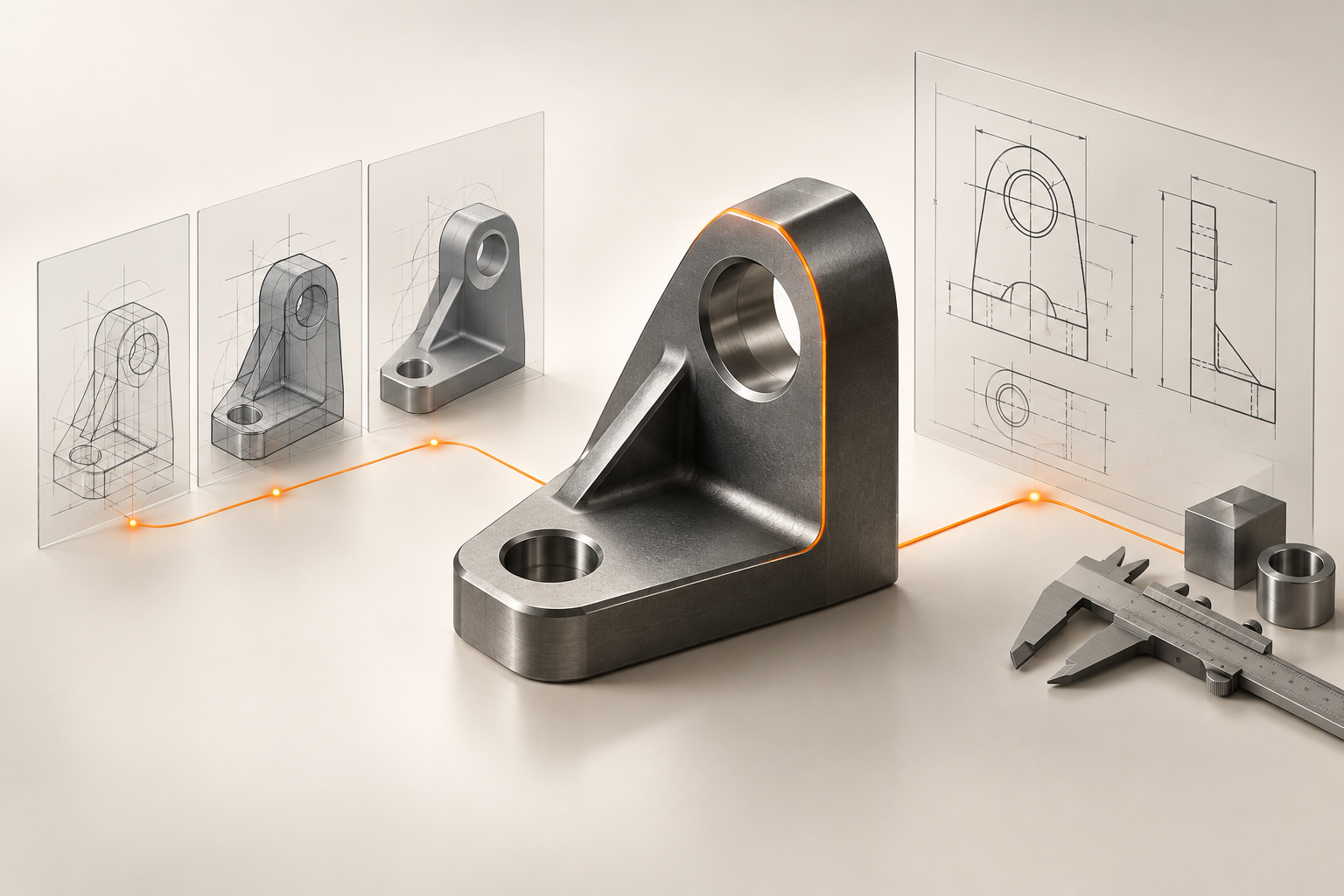
Consulting
Develop and test methods.
New design tasks, established procedures, and recurring requirements reveal which methods will benefit users. I prepare these connections for the training.
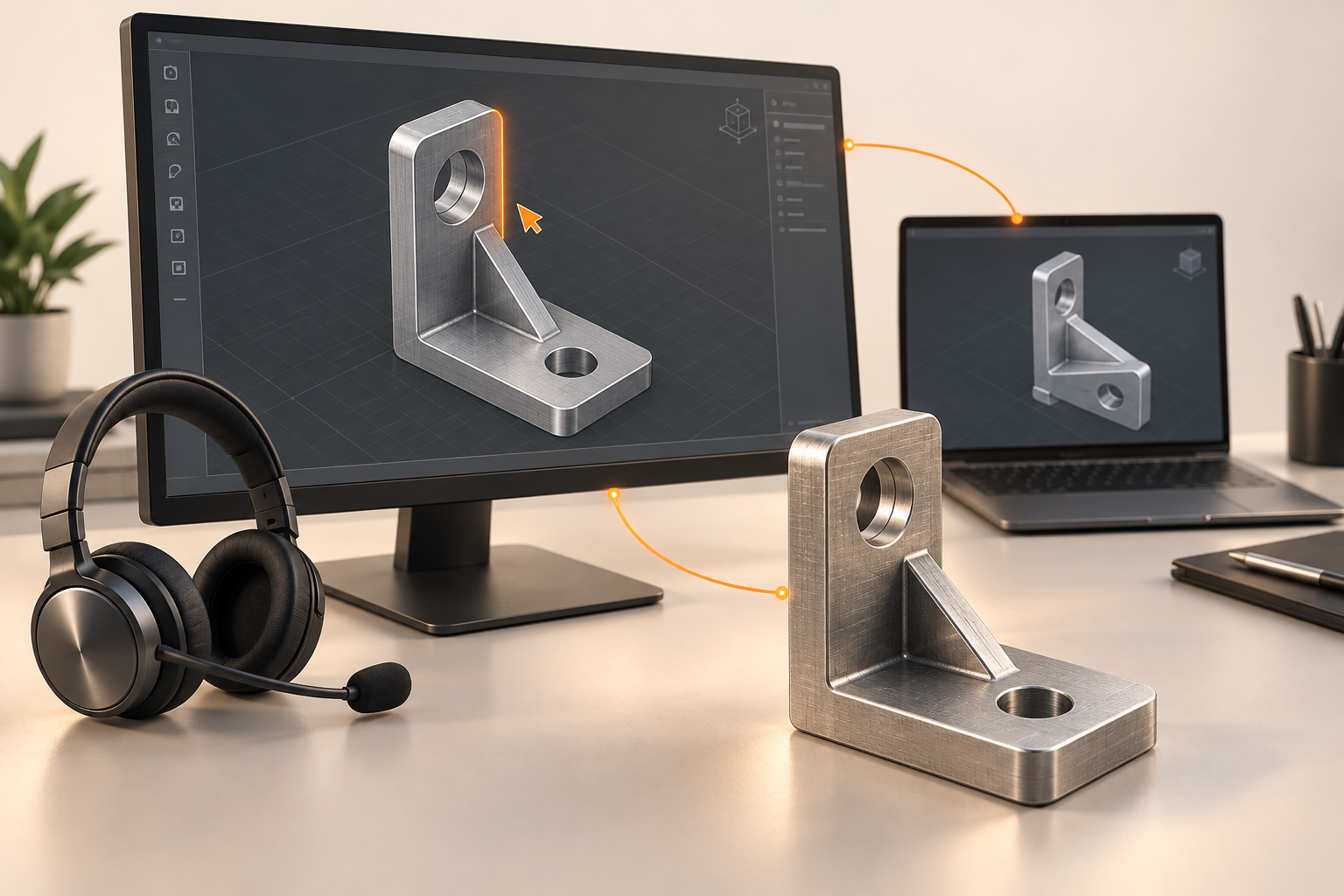
Support
Understanding specific problems.
For example, a question about a flexible bellows led to a solution that is now taught in the NX Freeform Design Training.
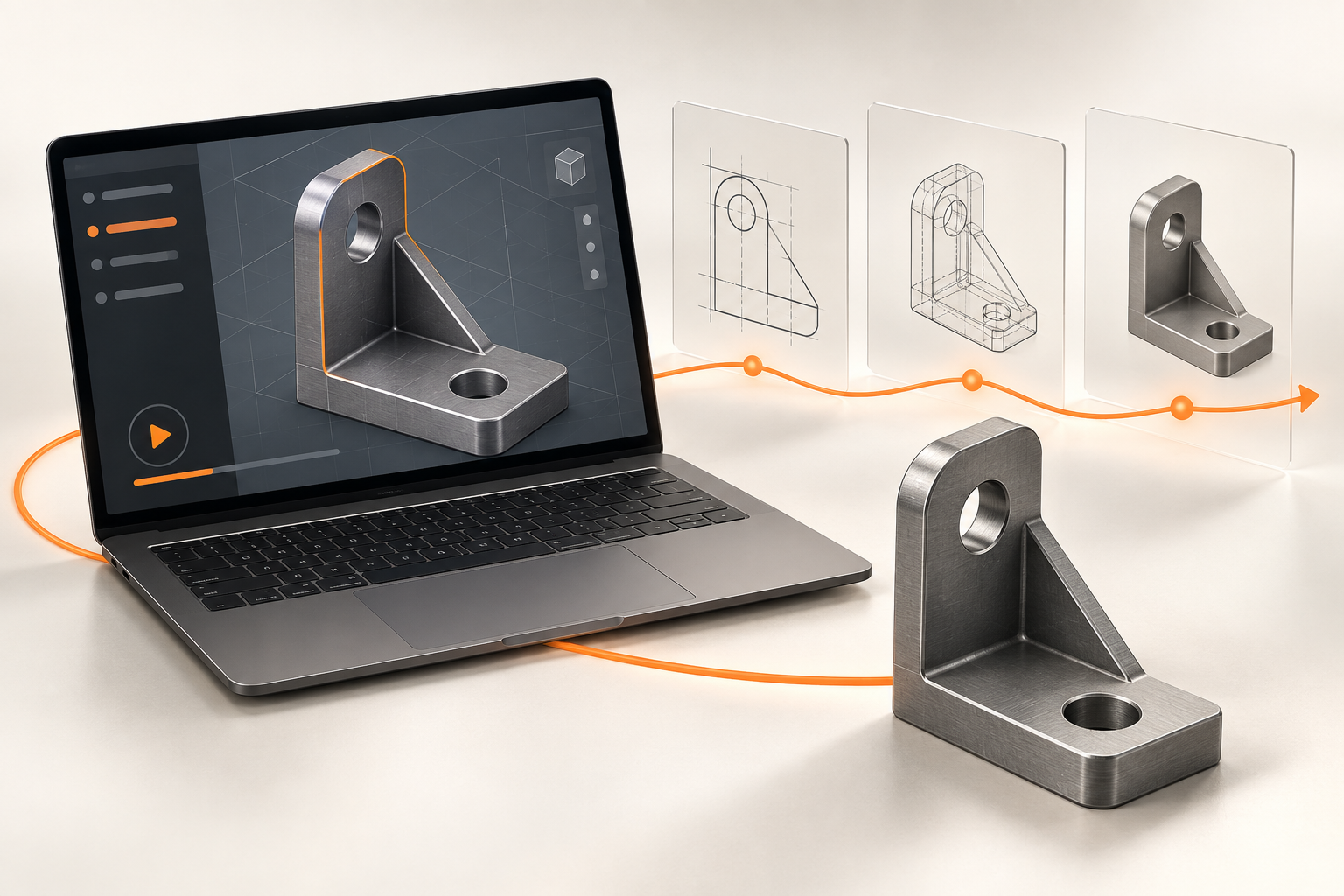
Training
Further develop explanations.
Questions reveal where a connection can be clarified further. I add relevant examples and revise lessons so that other participants can also benefit.
experience from different industries
Other products.
Common design issues.
Bizlearn works with over 150 clients worldwide. In training sessions and client projects, I encounter a variety of products, team sizes, and working methods. This experience helps me to convey methods in a way that is understandable and transferable to new tasks.
Answered briefly
Questions about your NX specialist training.
What prior knowledge do I need for an advanced Siemens NX training course?
You should be familiar with the basic operation of Siemens NX. What additional knowledge is useful depends on the specific topic. Together, we'll choose the right course for your needs. If you're just starting out with NX, this is... NX Beginner Video Bundle the appropriate starting point.
What is included in an NX video training course?
You will receive the booked specialist training as well as NX New Sketch Solver and NX CAD Secrets. This includes twelve months of access to the respective courses in the Bizlearn Online Campus and personal support from Simon from the time of enrollment – also for questions regarding application in everyday work, within the scope of his capabilities.
Can I book the two-day NX Live webinar individually?
Yes. With basic NX knowledge, you can book the two-day live webinar individually or as a supplement to a video or update bundle. You'll solve design tasks directly with Simon and deepen your understanding of the methodology in the context of assemblies. The live webinar is not included in the video bundle.
My NX topic isn't in the training catalog – can I still request it?
Yes. Tell us about your design tasks and prior knowledge. Together, we will determine whether an existing specialist course meets your needs or whether tailored training content would help. Please use our Contact form.