
Designcenter NX Training
Understand NX.
Design with confidence.
Whether you want to get started, delve deeper into specific areas, or switch to a new NX version: your training is tailored to your knowledge and your tasks.
With Simon · Get to know your trainer
Explore our training
What would you like to start with?
New to NX, ready for the next step, or about to upgrade to a new version? Choose the entry point that matches your level of knowledge.
 01 GET STARTED
NX Beginner Training
For your introduction to Siemens NX
Your modular introduction with Rapid Basics and other suitable video training courses.
 + GO DEEPER
NX for Advanced Users
For users with NX experience
Focus on the specific topics you need – for example, WAVE Design, Freeform, or PMI.
 ↻ STAY CURRENT
NX Update Training
For your next version change
Learn about relevant innovations and integrate them into your usual workflows.
Our training offers
A wealth of knowledge is available.
Your learning path remains focused.
You don't have to watch every video. Together, we'll determine which training sessions and topics are relevant for you and your team.
Get started
NX Beginner Video Bundle
Your introduction to NX – with basics and advanced topics in one package.
- 12 months access to the Bizlearn Online Campus
- 12 months of personal support*
- Siemens NX Beginner Training
- Siemens NX New Sketch Solver Training
- Siemens NX CAD Secrets Training
- Access to all individual specialist courses for advanced users
- Siemens NX Design Guideline as a reference guide
Optional additions
Two-day live webinar
Solve tasks together with Simon. This will reveal knowledge gaps and allow you to address them specifically.
Go deeper
NX Specialist Courses for Advanced Users
For experienced NX users who want to delve deeper into a specific CAx task area.
- 12 months access to the Bizlearn Online Campus
- 12 months of personal support*
- Your booked NX specialist training
- Siemens NX New Sketch Solver Training
- Siemens NX CAD Secrets Training
Select specifically
Your topic is the focus
You book the specialist course you need. Together we will determine the appropriate content and prerequisites.
Update
NX CAD Update Bundle
For your version change: individually compiled from the new features between your current and future NX version.
- 12 months access to the Bizlearn Online Campus
- 12 months of personal support*
- NX Update Training
- Siemens NX New Sketch Solver Training
- Siemens NX CAD Secrets Training
- Siemens NX Design Guideline as a reference guide
Optional additions
Specialized courses, video bundle & live webinar
Supplement your knowledge with individual advanced courses or the entire video bundle. Optionally, you can add the two-day live webinar – practice together and specifically address any knowledge gaps.
* Bundle benefit: The beginner and update bundle offers cheaper training than comparable individual bookings.
* Personally supported – even in everyday work life
Access and support are valid for twelve months from enrollment in the respective course. Simon will answer your questions – for more complex topics, also in short remote meetings. Within his capabilities, he will also support you with NX application questions from your daily work that go beyond the training content.
This is how you learn with Bizlearn
Learn flexibly.
Progress with personal support.
Here's how you can integrate your training into your daily work routine:
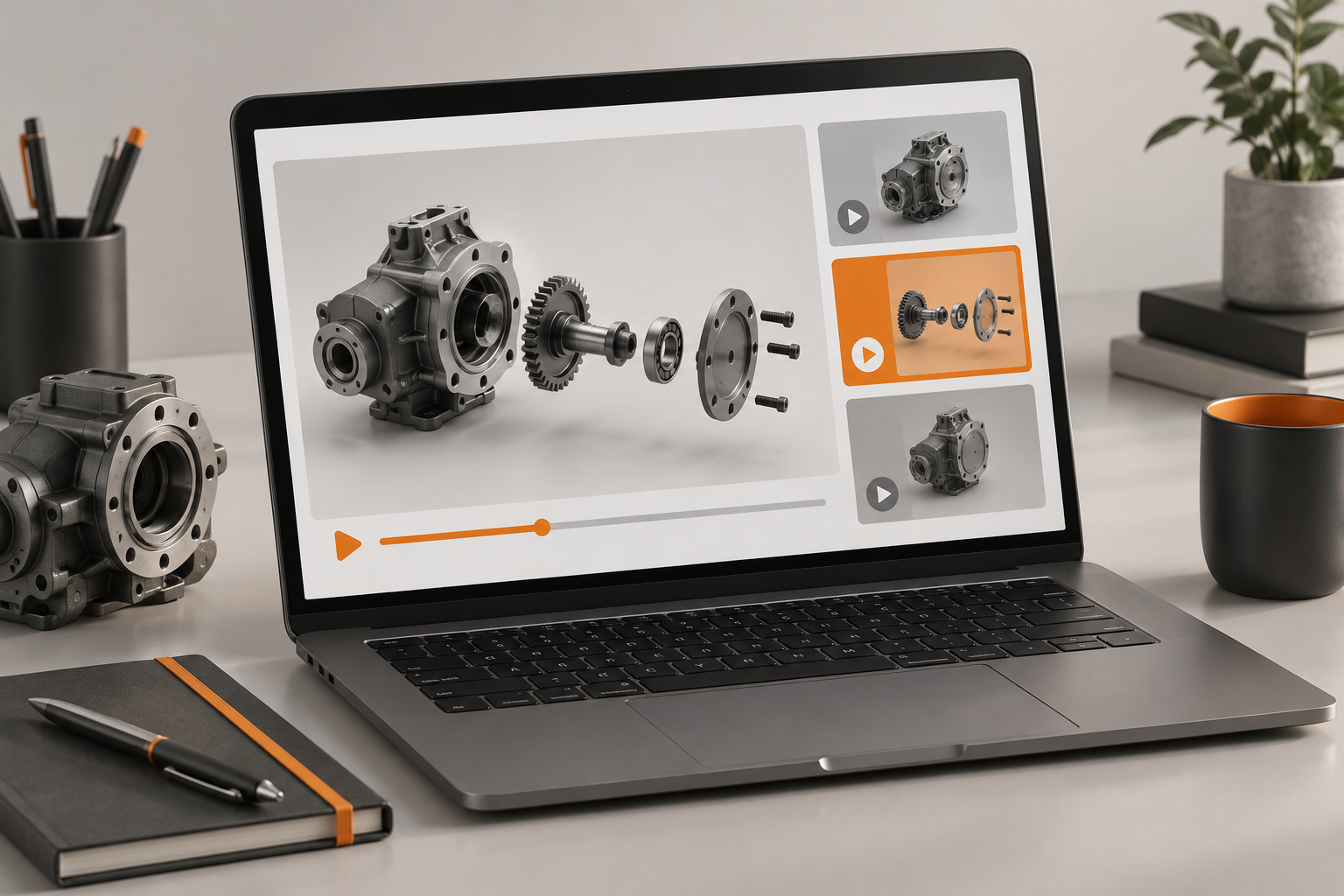 01 / ONLINE TRAINING
At your own pace
Learn flexibly in e-learning and repeat content on the learning platform whenever you need it.
 02 / LIVE WEBINARS
In direct conversation
Delve deeper into topics in the live training and ask your questions in direct conversation.
 03 / PERSONAL SUPPORT
With support
Clarify any open questions and connect what you have learned with your practical tasks.
Insight into the portfolio
Your tasks.
The right topics.
Here you'll find the building blocks of our video training courses and the optional live follow-up sessions. Do you already have NX experience and are looking for targeted in-depth training? Tell us your desired topic – we'll discuss the appropriate training.
01 · BASICS
NX Rapid Basics
Assemble components and use them to design your own 3D models. You will learn NX using existing components and then examine how your design can be modified in a targeted way.
02 · SKETCHES
NX New Sketch Solver
Learn to build sketches systematically and use the Sketch Solver confidently. You will learn to determine geometry effectively and use simple, easily modifiable sketches as the basis for your designs.
03 · METHODOLOGY
NX CAD Secrets
Get more out of NX: You'll discover often overlooked connections and practical methods. This will help you understand the software better and use your knowledge for more stable models and improved workflows.
04 · DRAWINGS
NX Drafting
Derive drawings from your model, create views, and clearly present dimensions. This is how you prepare the information from your design for further use.
05 · FREEFORM
NX Freeform Design
Create and edit freeform surfaces with precision. You will develop shapes beyond simple basic bodies and learn methods for adapting even complex geometries.
06 · SHEET METAL
NX Sheet Metal Design
You will learn to systematically build sheet metal components and generate suitable flat patterns. You will learn to implement sheet metal designs in a structured way in NX and prepare your model for later modifications.
07 · LINKS
NX WAVE Design
You will learn to strategically link components and further develop coherent designs. You will learn to utilize geometry between components and consciously establish the relationships within your models.
08 · VARIANTS
NX Variant Design
Create structured variations and efficiently utilize recurring designs. You will learn to strategically reuse commonalities and represent differences within your models.
09 · VISUALIZATION
NX Rendering
You visualize your models clearly and present products convincingly. You prepare the presentation in such a way that the form and design of your construction become easily understandable.
10 · PRODUCT INFORMATION
NX Model Based Definition with PMI
Communicate product and manufacturing information directly on the 3D model. You supplement your design with easily understandable details and make them accessible for further use of the model.
11 · CLEARANCE ANALYSIS
NX Clearance Analysis
Check the installation space, distances, and potential collisions between components of an assembly. You will learn to examine the spatial relationships of your design and identify bottlenecks.
12 · LIVE DEEPENING
NX Design Methods
Optional · Live training
With basic NX knowledge, you'll solve tasks directly with Simon and deepen your understanding of methods in the context of assemblies. Available individually or as a supplement; not included in the video bundle.
13 · NEW FEATURES
NX CAD Update Training
Learn about relevant changes between your source and target versions. Tips, tricks, and practical workflows will show you how to use NX's capabilities in your daily work.
14 · SIMULATION
NX Simulation
Get to know and compare Performance Predictor and Design Simulation. This short introduction uses one shared design example to help you choose the right application for your task.
Looking for another topic? Just ask us. We'll discuss the appropriate content and scope of your training.
Included in our NX bundles
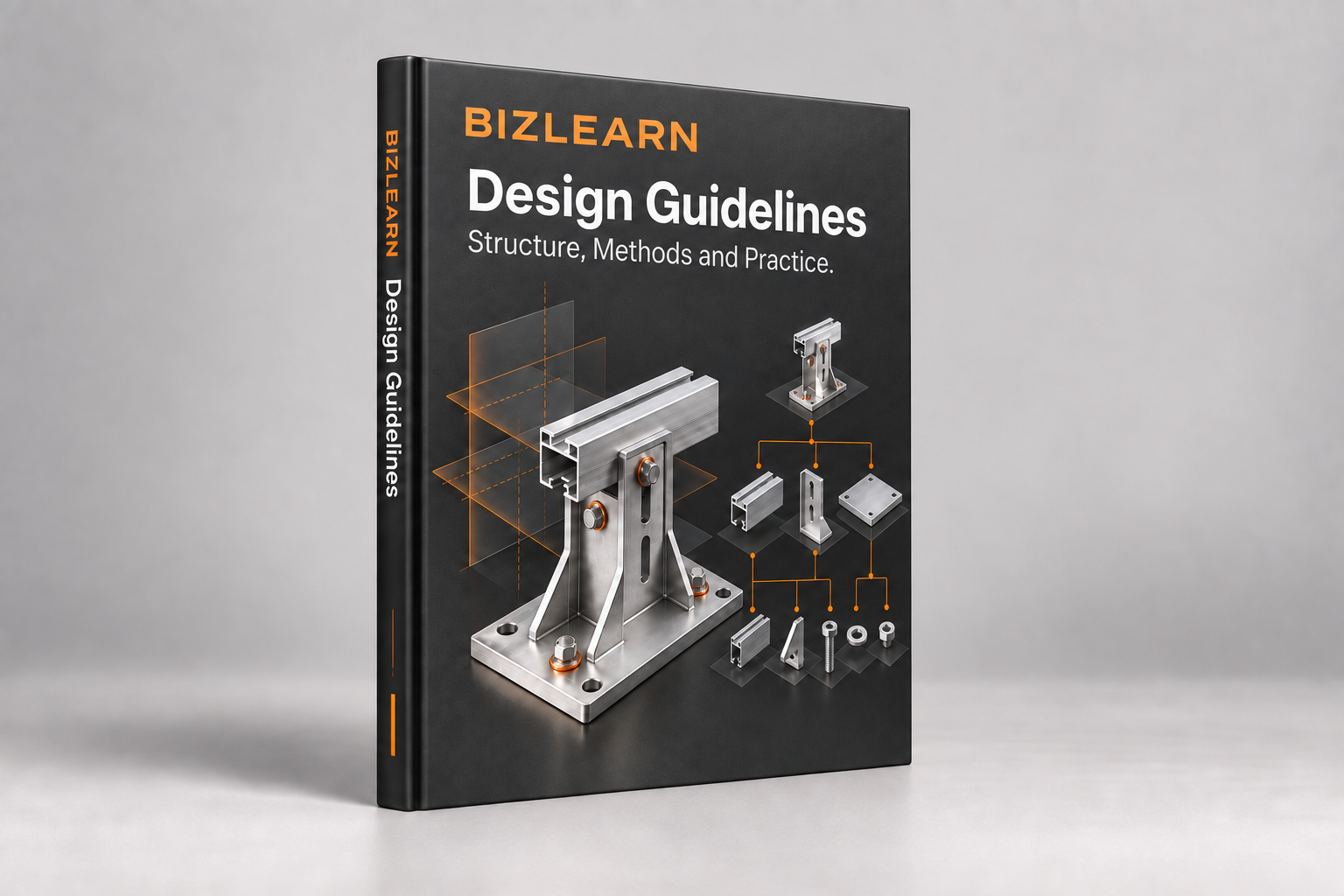
The Bizlearn
Design Guideline.
Clear references, simple building blocks, and a structured model architecture: The Design Guideline connects your NX learning topics into a common design methodology. You receive it with the NX Beginner Video Bundle and the NX CAD Update Bundle for reference and further work. It is also included in the individual training courses NX WAVE Design and NX Variant Design.
It connects individual training topics and also serves as a starting point for further consulting.
Beyond the standard portfolio
Individual training sessions available upon request.
Other NX application areas
Do you need training on CAM, advanced simulation, or a specific NX application that isn't currently listed on our website? We'll discuss your processes and develop the appropriate content as needed.
We coordinate content, implementation and schedule on a project-specific basis.
Teamcenter Training
For your work environment, roles and processes: Teamcenter training courses are designed specifically for you and tailored to your company's application.
A dedicated learning environment can also be part of your solution.
Your next step
Which training program suits you best?
Tell us about your tasks, prior knowledge, and number of participants. Together we will create the right learning path.
Standard training courses are offered in German and English. Other languages are available upon request.