Siemens Teamcenter Training · Customized for your company
Your Teamcenter environment.
Your processes.
The right training.
We develop Teamcenter training courses tailored to the tasks, roles, and processes in your company. We support your knowledge development before, during, and after implementation – from preparing your key users and process owners to ensuring confident application in everyday work.
For the introduction, transition, and onboarding of new colleagues.
Core concepts meet your daily work
It's not just about knowing where to click.
Understand how you work.
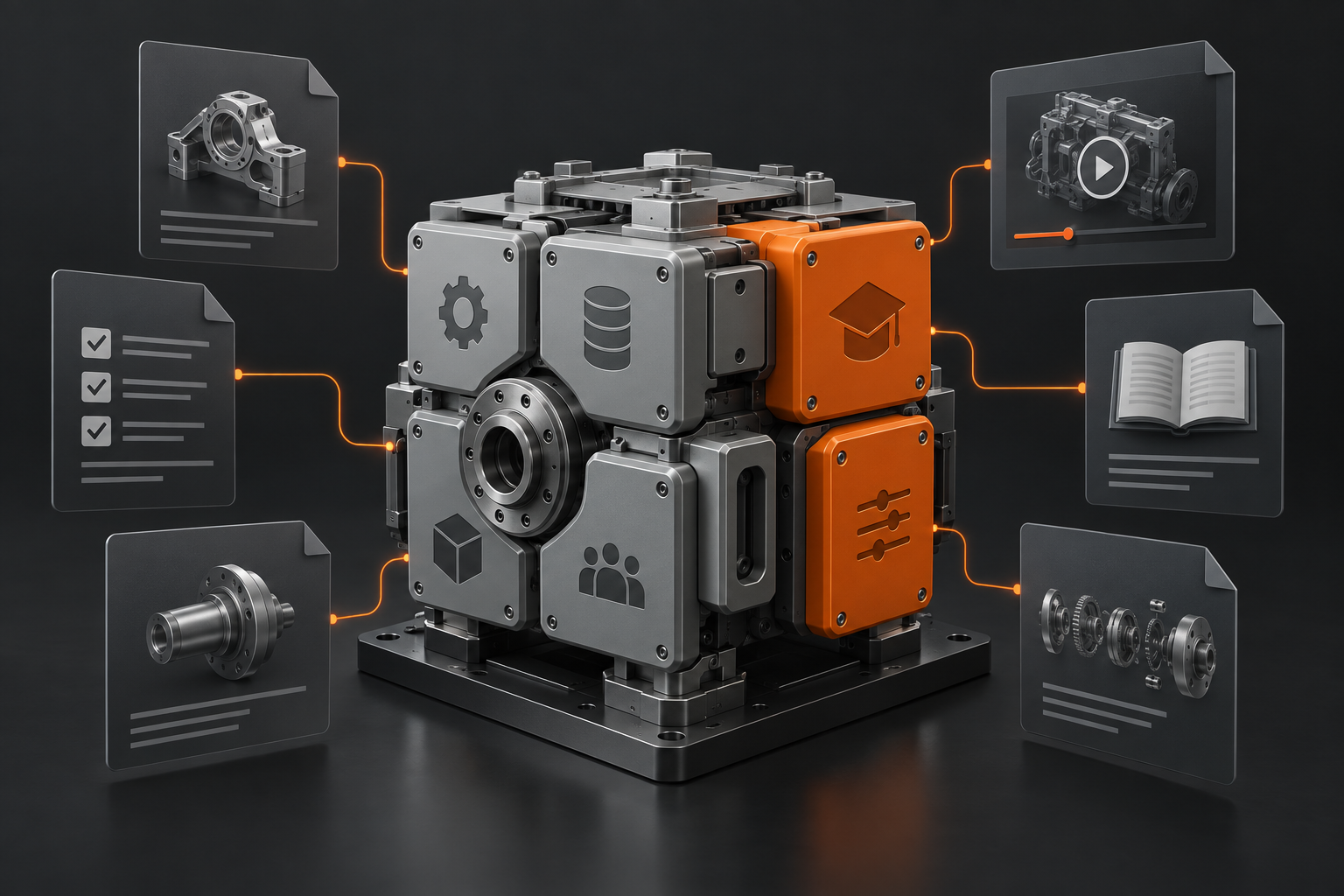
We'll start by explaining how a PDM/PLM system like Teamcenter works: How are objects related? Which revisions are displayed? How do roles, groups, and workflows interact? This basic understanding will make it easier to understand the functions and your specific workflows.
Participants then apply this knowledge to relevant examples and exercises – using your interface, your terminology, and your customized workflows. In this way, we connect the understanding of the concepts with practical application.
A proven foundation. Your specific learning path.
- Task-related: Content tailored to the activities and prior knowledge of the participants.
- Understandable: Understand object relationships, revision rules, workflows, roles, and groups.
- Practical: Application examples from your customized training environment.
- Modular: Combine and refine shared fundamentals and your specific workflows.
Start before implementation
As your system takes shape,
your knowledge grows with it.
A training program doesn't have to be created only when the system launches. We build it step by step with you: from shared fundamentals to your specific processes, right through to further training during ongoing operations.
Teach the basics early
Existing training courses teach operation, terminology, and basic concepts. Key users and process owners gain a shared understanding early on in preparation for implementation.
Add your specific workflows
Once processes and roles are aligned, suitable lessons and exercises are developed. We clearly separate open project questions from the methods taught.
Keep learning at work
Tailored learning paths support your users in their daily work and new colleagues during their onboarding. The modular content can be updated as processes change.
From your requirements to training
Proven templates.
Individually developed for you.
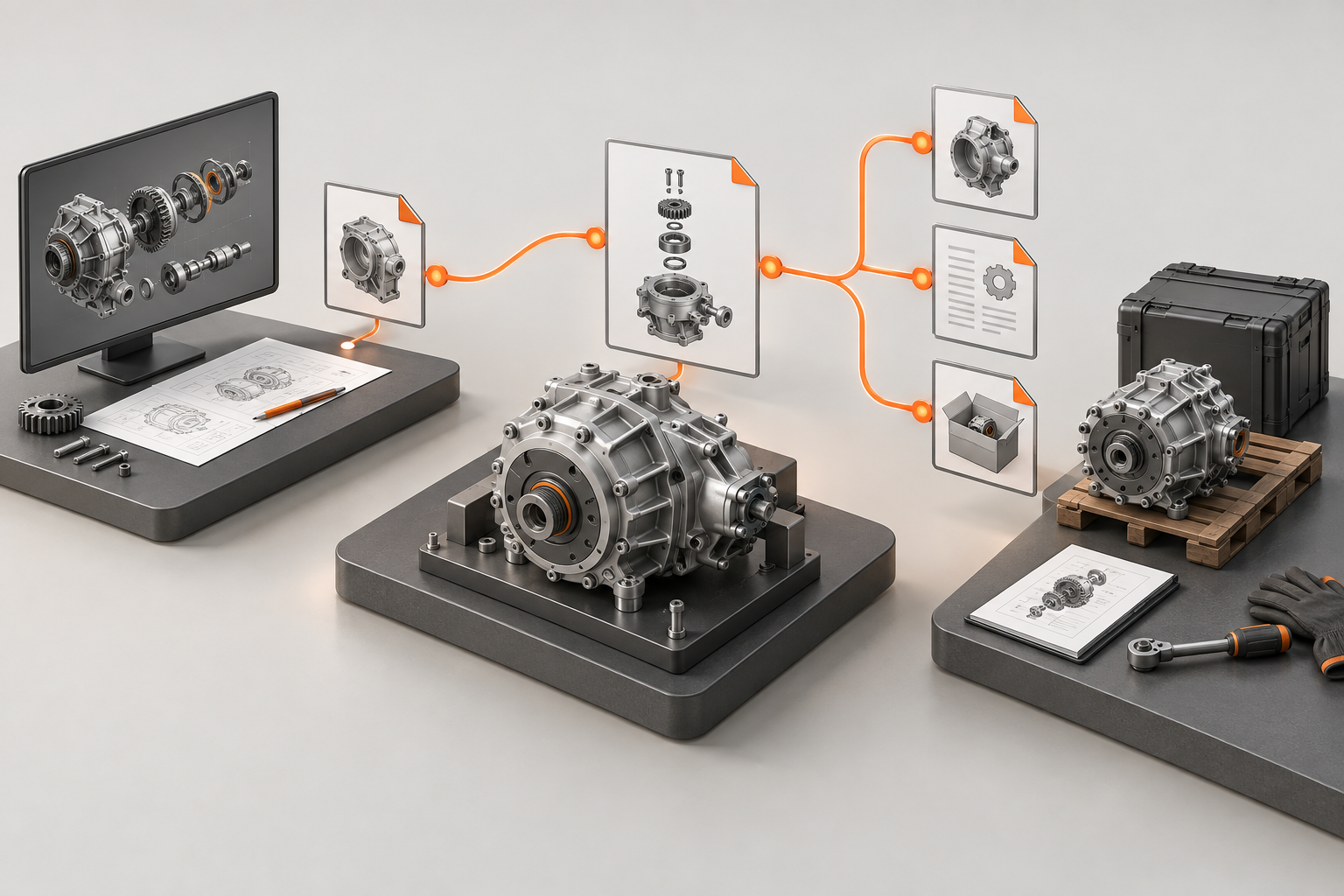
We don't start from scratch. Existing script templates, a well-structured chapter layout, and proven teaching methods form the foundation. Your individual content builds upon this: We adapt terminology, object classifications, roles, and workflows to your company. This reduces the effort compared to a completely new production and allows us to develop customized training courses cost-effectively.
 01
Clarify needs
Discuss target groups, prior knowledge, learning objectives and the planned introductory process together.
 02
Understand your workflows
Understand your workflows through existing documentation and joint system walkthroughs.
 03
Develop content
Adapt existing script and chapter templates, add suitable exercises, and incorporate your environment.
 04
Review together
Review content with your subject matter experts, incorporate feedback, and provide the agreed-upon learning paths.
This principle can also be applied to customized Siemens NX training courses.
Content tailored to the needs
Your tasks determine
the scope of training.
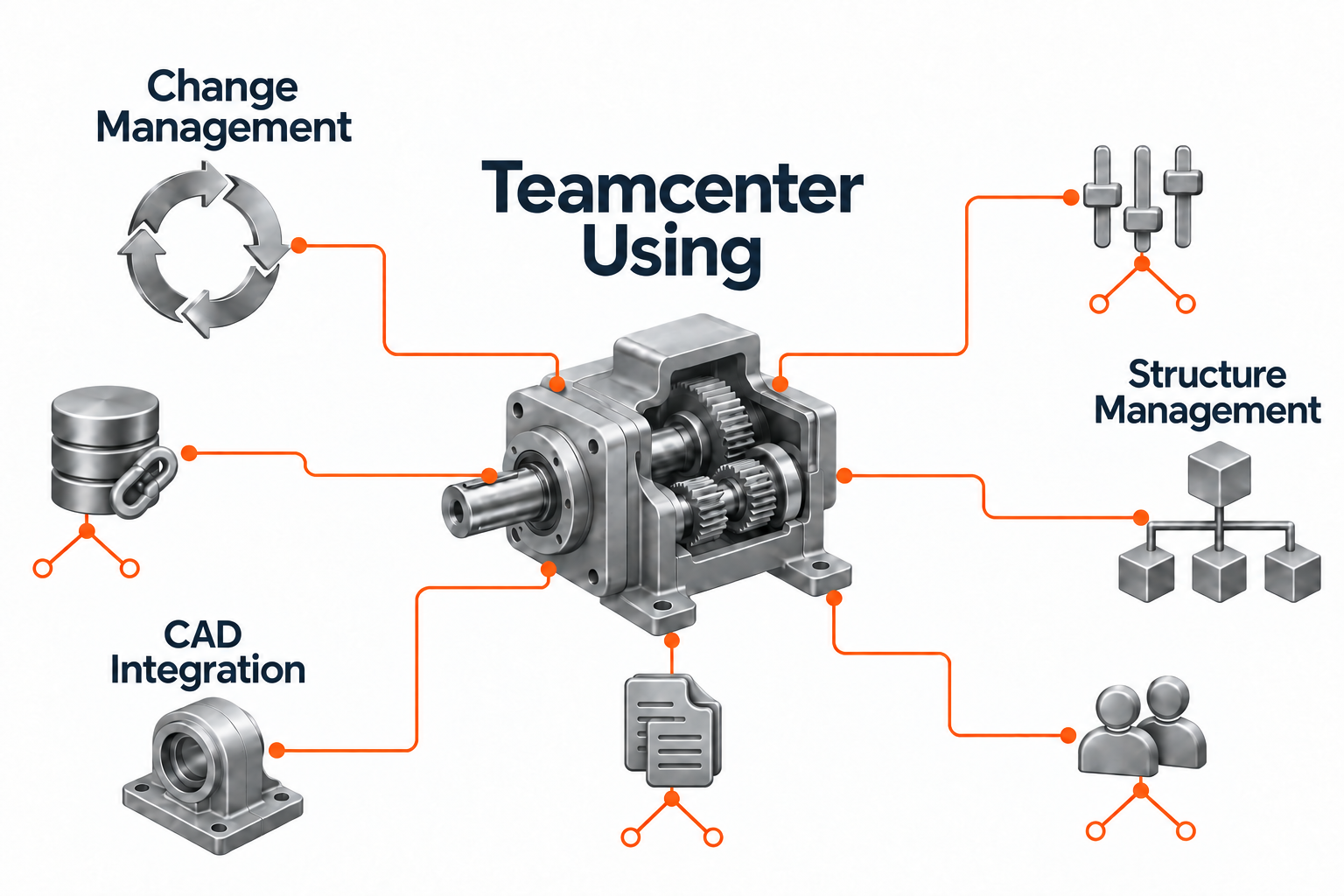
From a secure start in Teamcenter and Active Workspace to the processes of individual user groups: We plan the content according to your work tasks and collaboration within the company.
We develop suitable learning paths for your roles and workflows. We will jointly determine the scope, depth, and specific use cases.
Tailored to your users
A training program.
Different learning paths.
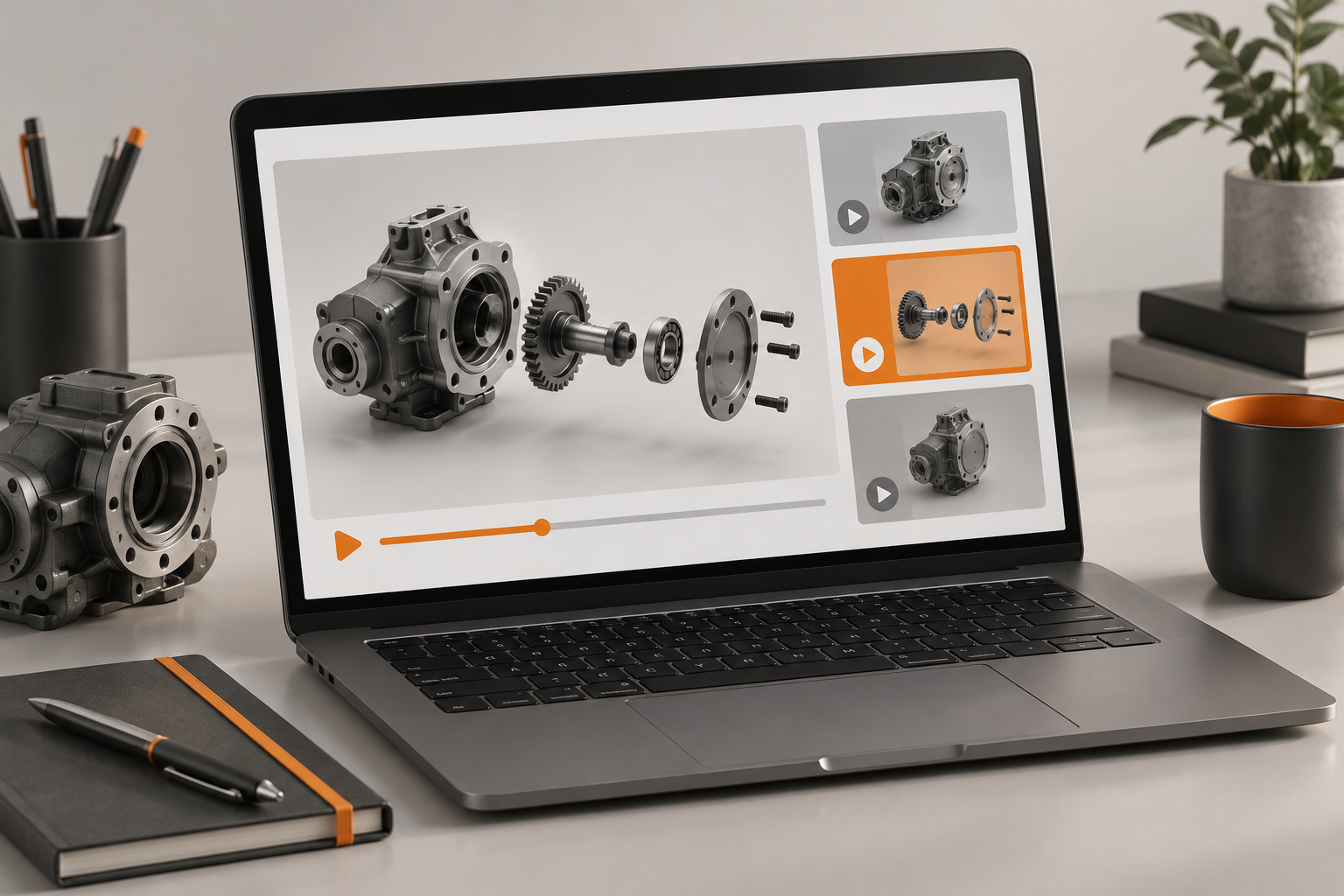
Targeted and understandable
Short digital lessons and exercises focus on the tasks of the respective users. Participants learn at their own pace and can repeat individual steps as needed.

Personal support
Simon provides personal support to your participants for any questions regarding the course content – for twelve months from course enrollment. We will coordinate additional live sessions and the overall management of your training project as needed.
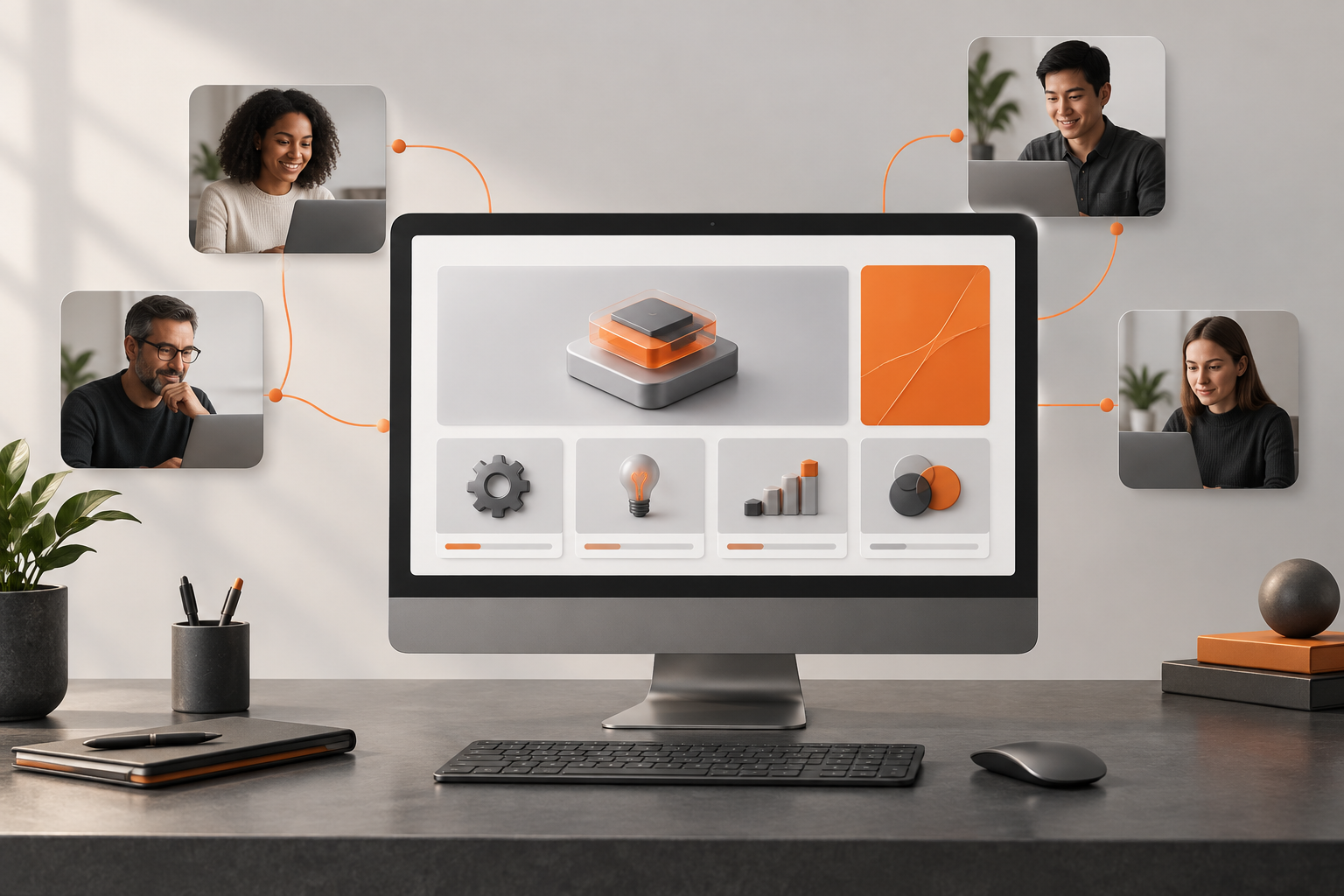
Your learning environment
On request, we can provide a custom Bizlearn learning platform in your corporate design, as well as project-specific evaluations of participation and training effort.
We will agree on training languages, content provision, and updates to suit your project. The Bizlearn Online Campus is also available in mainland China.
From practice: A shared Teamcenter training programme for around four thousand users worldwide, in several languages including English, Japanese and Chinese. Role-based learning paths and manageable modules organise the content around each group’s tasks.
Even when you change versions
Update Teamcenter.
Prepare your users effectively.
We also develop customised Teamcenter update training.The starting point is your current and new version, your configuration, and the tasks of the individual user groups.
The content is created exclusively for your company – often as part of a tailored training project with shared roles, languages, and personal support. This ensures your participants learn precisely the changes that affect their processes.
Whether a custom production is suitable for you will be determined based on the scope of the topic and the number of participants. Changes to the Teamcenter integration in NX can also be included in a customer-specific NX update event.
Answered briefly
Before you get in touch.
How quickly can we start?
To prepare in advance, we check which existing training courses are already a good fit. We plan the provision of customized content based on your project status, the necessary adjustments, and joint technical consultation.
What do you need from us?
To get started, we'll discuss your target audience, your timeline, and any existing process or training materials. Together, we'll then clarify who to contact, how to access the system, and what suitable examples to include.
Does this also apply to existing Teamcenter applications?
Yes. We can also design training courses for new colleagues, changed processes, or the switch to a different work interface.
Do all participants have to learn the same thing?
No. Common foundations create a unified understanding. Building on this, users receive suitable learning paths for their tasks and prior knowledge – within a coherent training program.
Your contact person · Simon
Introduce Teamcenter.
Prepare your people.
Tell me where you are in your project and which users you want to reach. Together we'll find a suitable starting point for your training program.
The goal: Your participants understand the connections and can apply what they have learned in their own work environment.Get to know your trainer →